Back to all work

Wizer

Wizer

Travel Management

Streamlining boat rentals with real-time scheduling

Wizer is a real-time shared calendar platform designed to streamline scheduling for boat rental businesses. It synchronizes teams and partners, optimizing bookings and enhancing sales efficiency. By providing up-to-date availability and facilitating seamless coordination, Wizer helps businesses reduce errors, prevent double bookings, and focus on growth.​​

Platform: Web App, Timeline: 2024
https://getwizer.io

Services

#Product Research

#UX Design

#UI Design

#Information Architecture

#Wireframe

#Style Guide

Client & Idea

The client, operating in the travel industry, identified challenges in managing boat rental schedules, particularly when coordinating between internal teams and external partners. The idea was to develop a centralized, real-time calendar system that would simplify scheduling, improve communication, and maximize booking opportunities.​​

Challenge & Goals

Boat rental businesses often struggle with scheduling complexities, including double bookings, last-minute changes, and inefficient coordination with resellers. Traditional methods like spreadsheets lead to miscommunication and lost revenue. The goal was to create a solution that offers real-time availability, enhances collaboration, and streamlines the booking process to boost sales efficiency.​​

Solution & Result

We implemented a centralized, real-time shared calendar that gives all stakeholders immediate access to current availability. Automated reservation updates reduce the need for manual input, helping prevent scheduling mistakes and ensuring that everyone stays informed. This streamlined approach supports smoother coordination between internal teams and external partners, improving day-to-day operations and reducing booking conflicts As the platform improves visibility and communication, businesses gain access to valuable data insights that inform smarter decisions. With a better understanding of booking patterns and customer behavior, companies can optimize pricing, manage fleets more effectively, and fine-tune marketing efforts. The result is increased bookings, higher revenue, and a more responsive, customer-focused service.

0

hours

Design Work

0

+ screens

Designed

0

USER JOURNEY

Mapped

0.0

Clients Satisfaction

main app feature

Wizer is equipped with features designed to simplify scheduling, improve coordination, and support data-driven decision-making. From real-time calendar views to automated updates and partner collaboration tools, every element is built to reduce friction and increase efficiency. The platform helps teams stay aligned and avoid booking conflicts.

Wizer UI
Wizer UI
Wizer UI
Wizer UI
Wizer UI
Wizer UI
Wizer UI

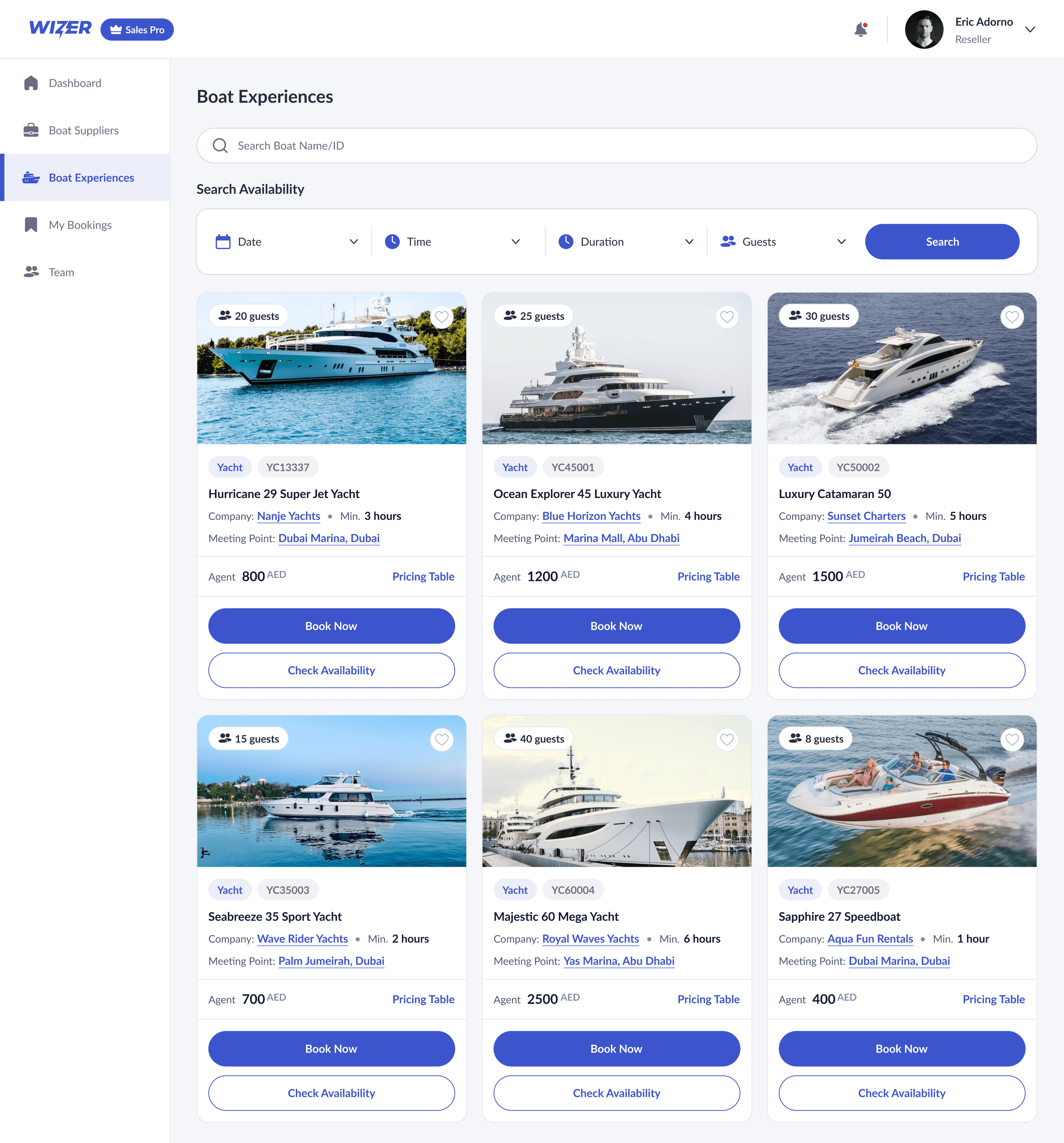
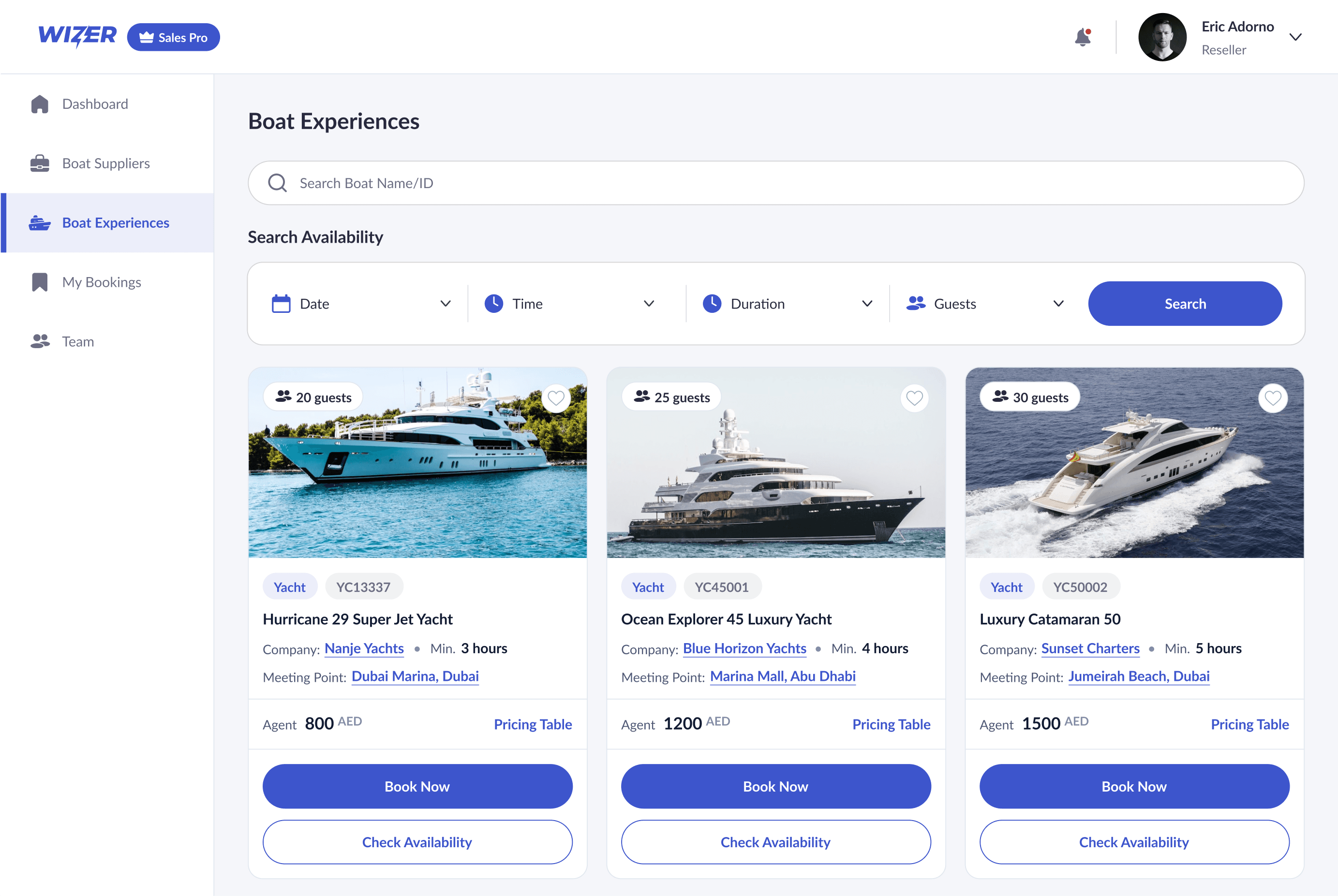
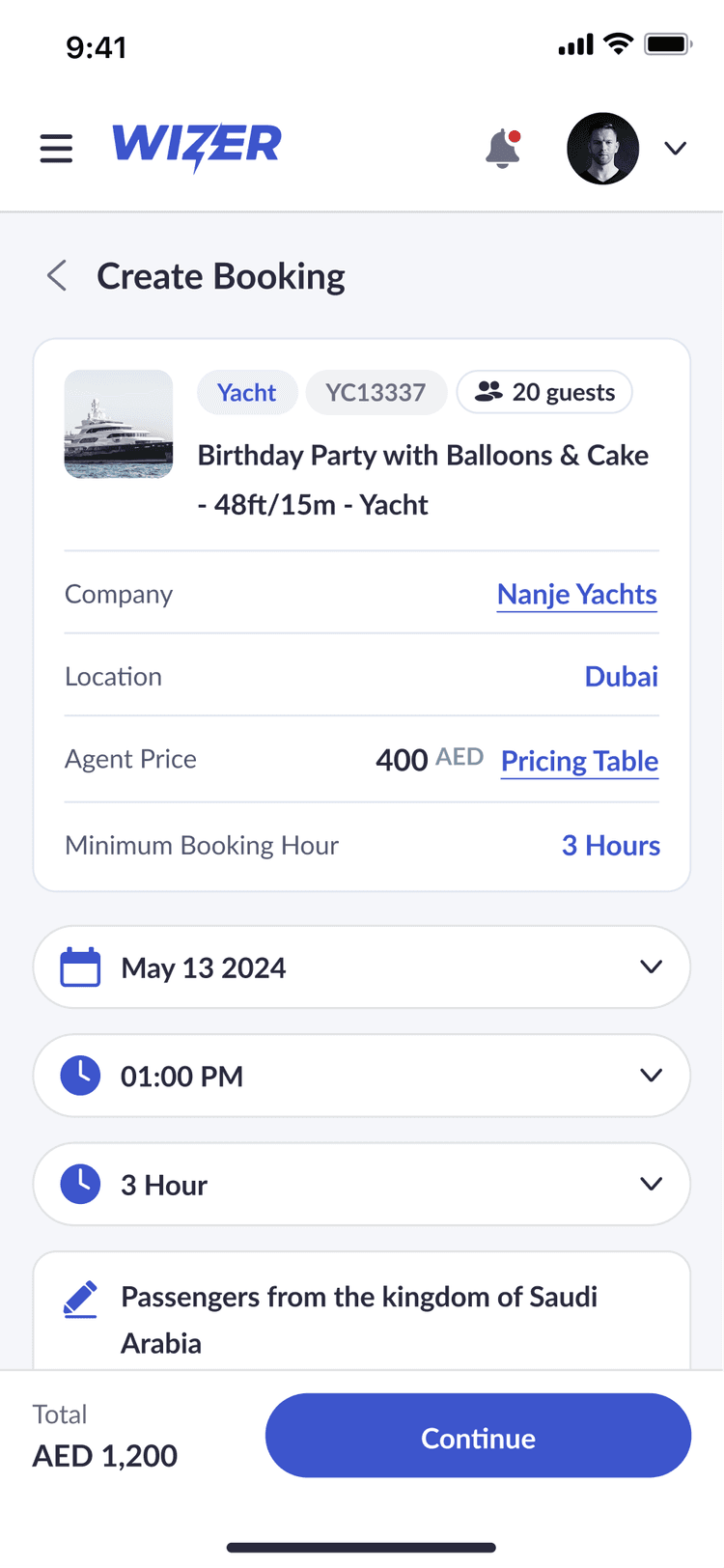
Centralized Yacht Listings

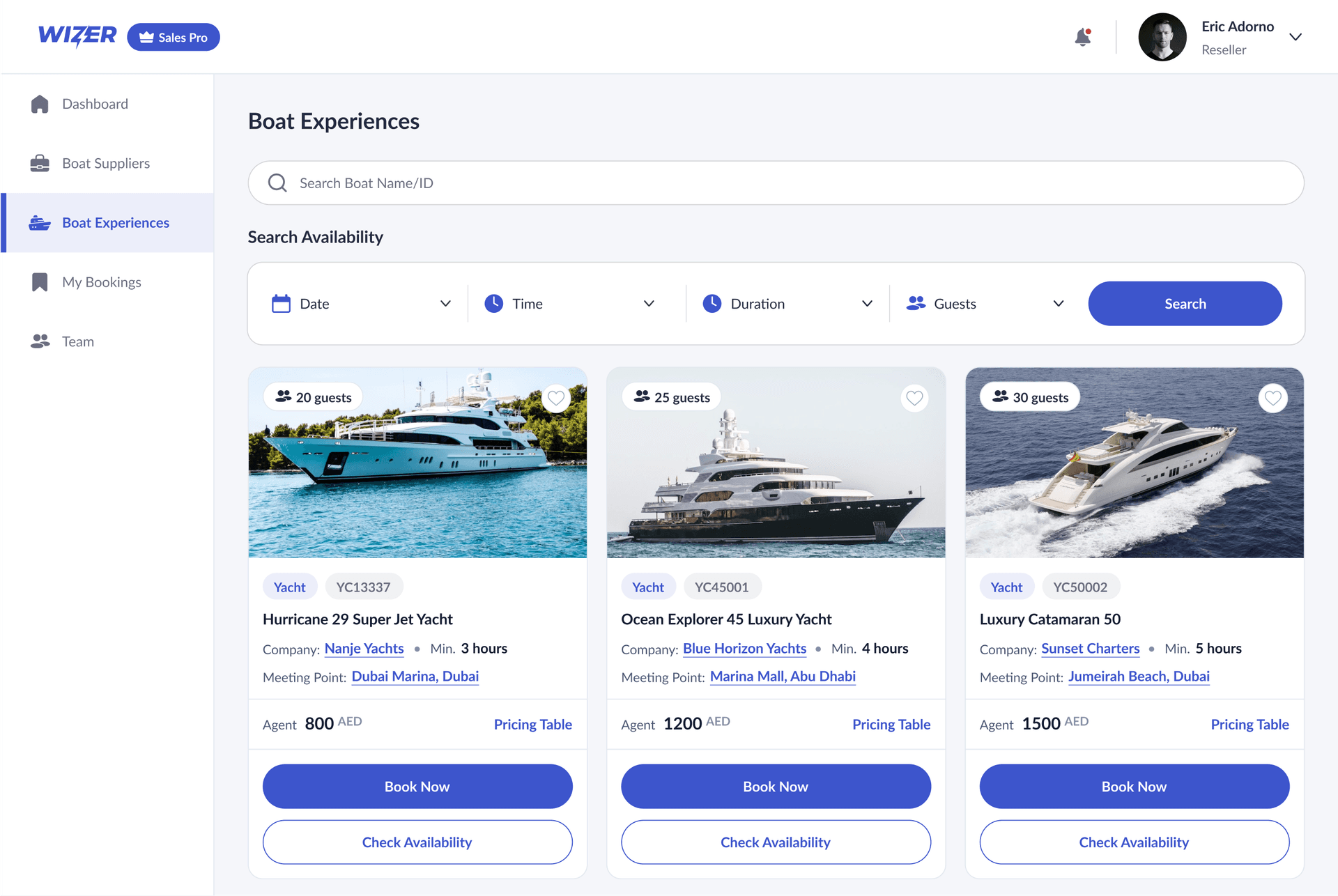
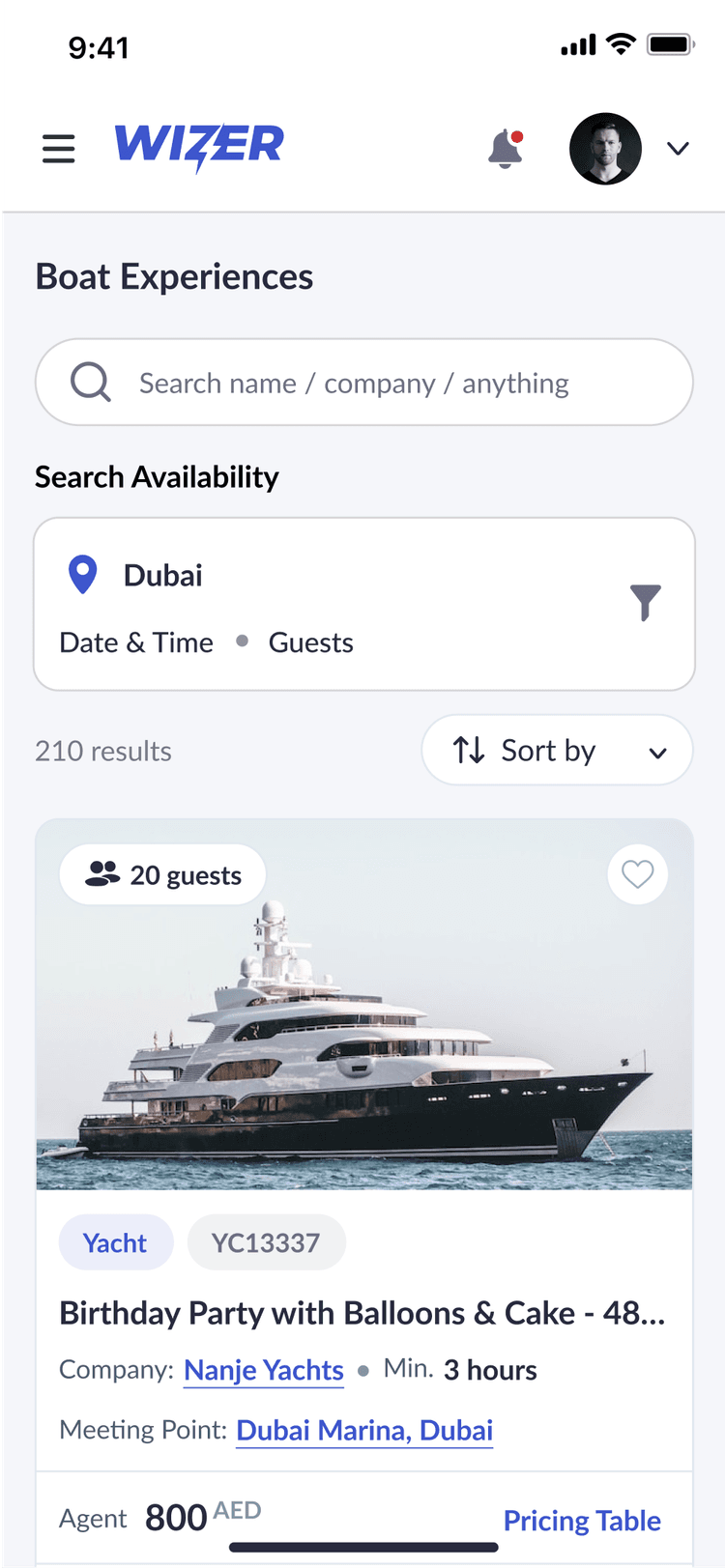
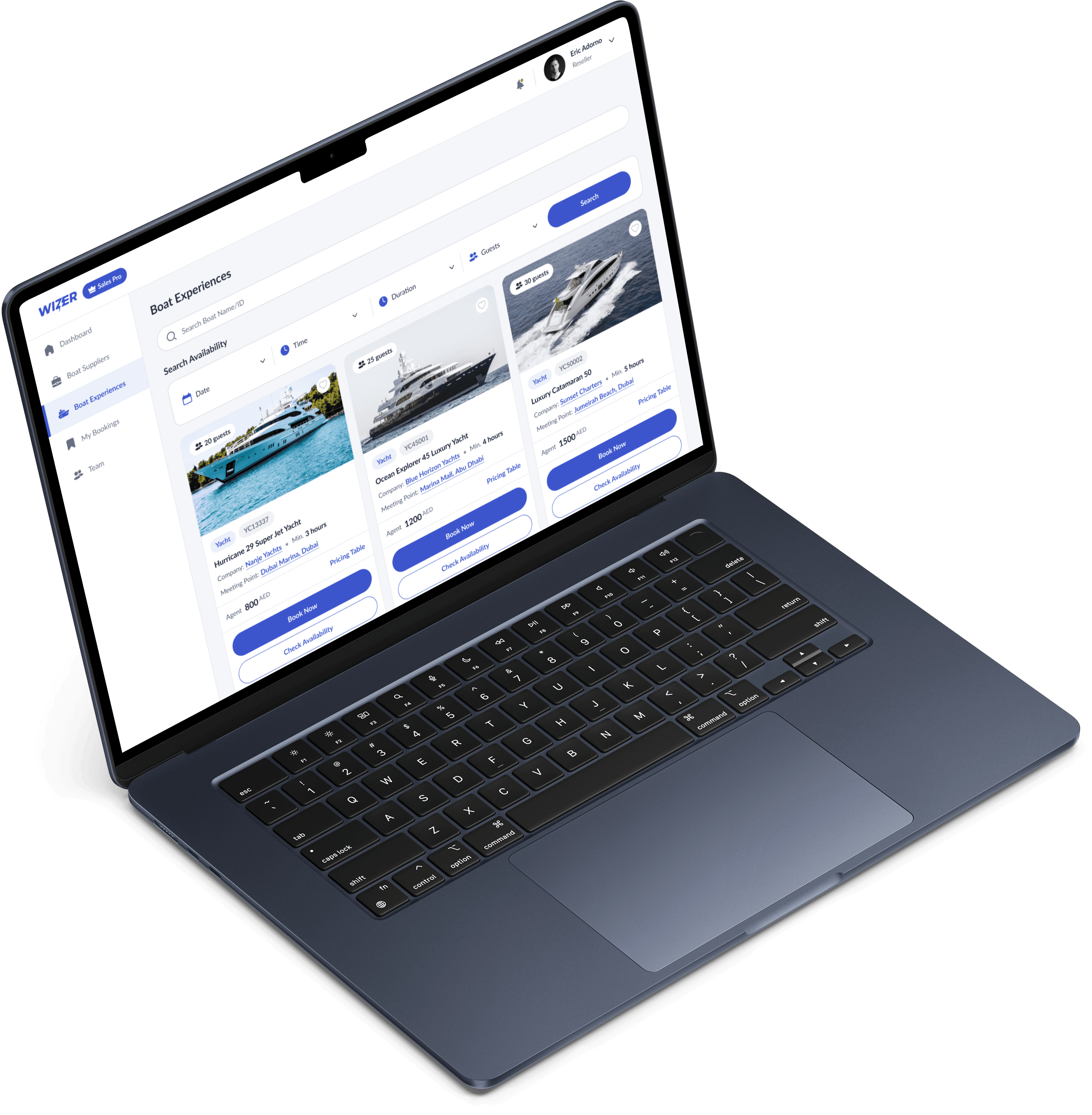
This screen serves as a centralized hub where resellers can browse available yachts, compare offerings, and manage bookings in one place. With filters for date, time, duration, and guest capacity, finding the right vessel is quick and intuitive. Each listing includes key details like meeting points, agent pricing, and minimum booking time, making it easy for partners to act fast and secure the best options for their clients.

Centralized Yacht Listings

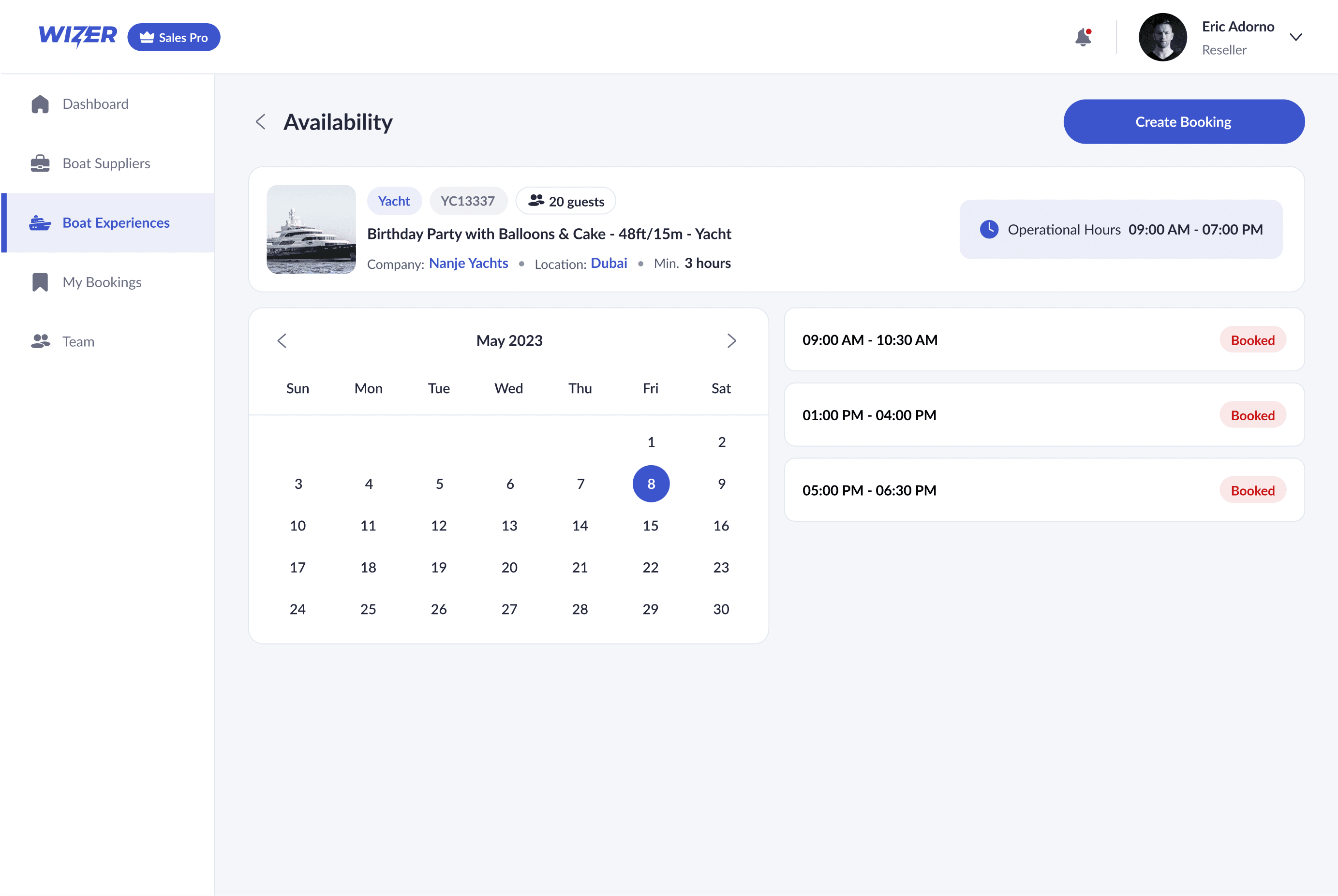
RealTime Availability

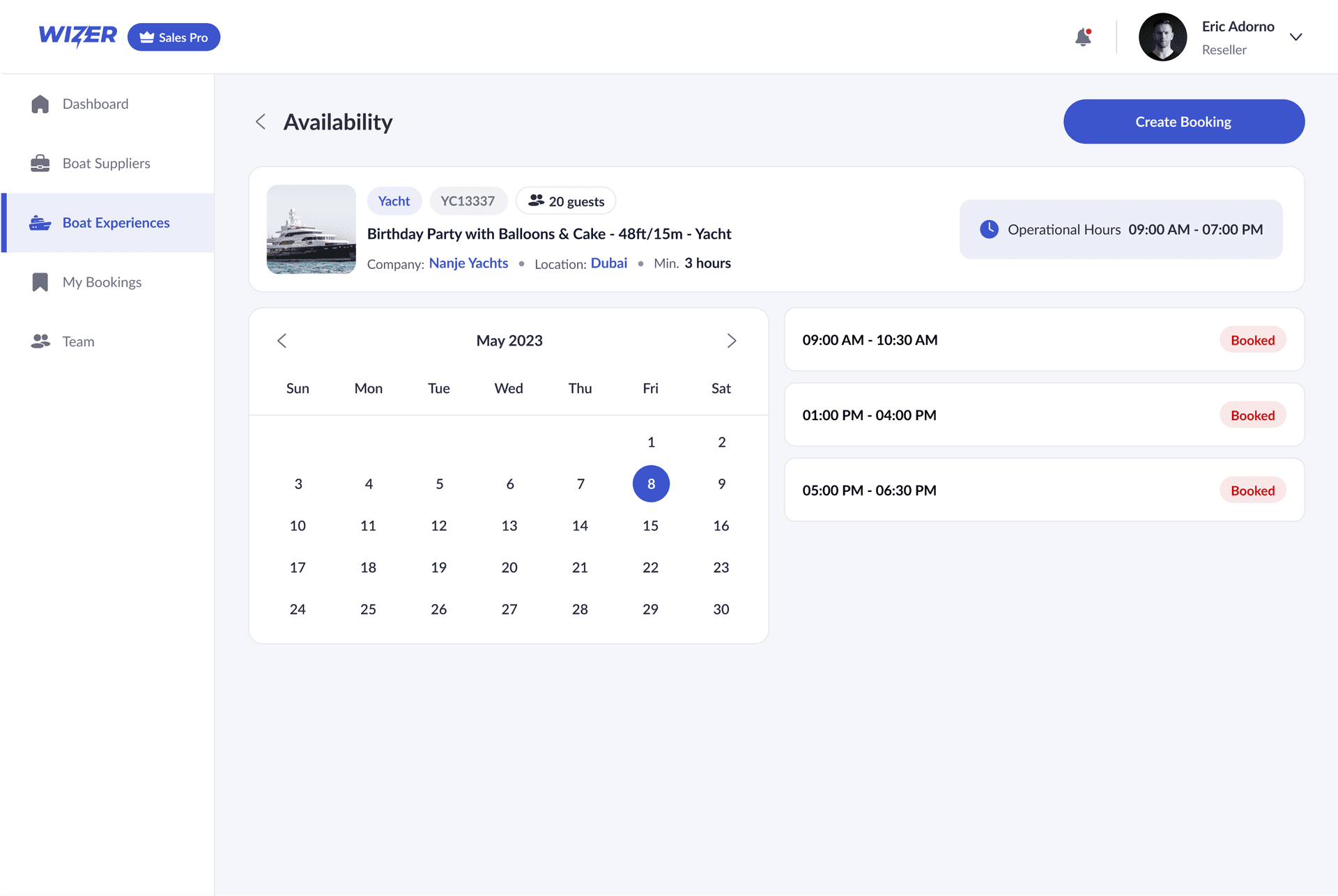
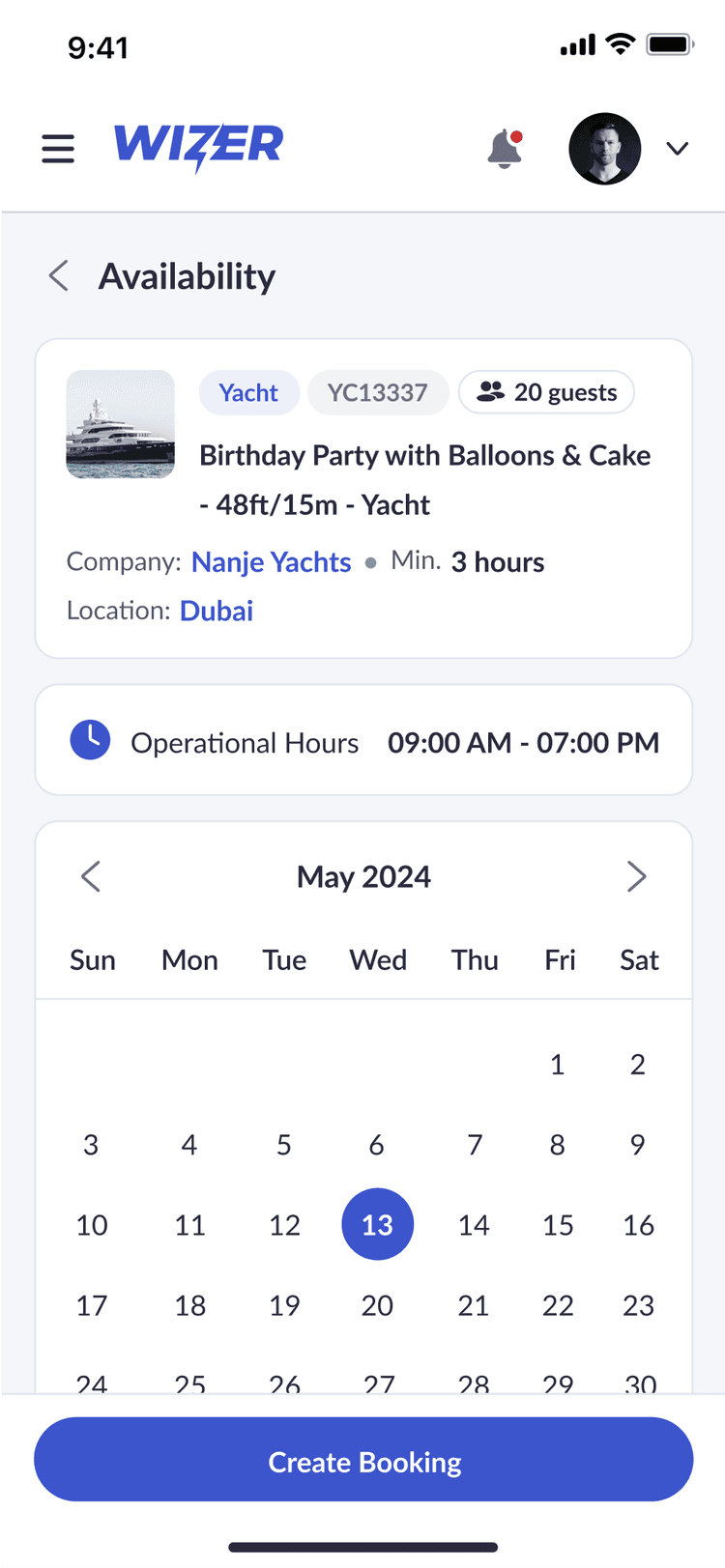
This feature gives resellers instant visibility into a yacht’s schedule, showing booked slots and remaining availability at a glance. With operational hours clearly defined and a calendar interface for date selection, users can quickly identify open time slots and make informed booking decisions. This eliminates back-and-forth communication and helps prevent scheduling conflict, making coordination smoother and faster for everyone involved.

RealTime Availability

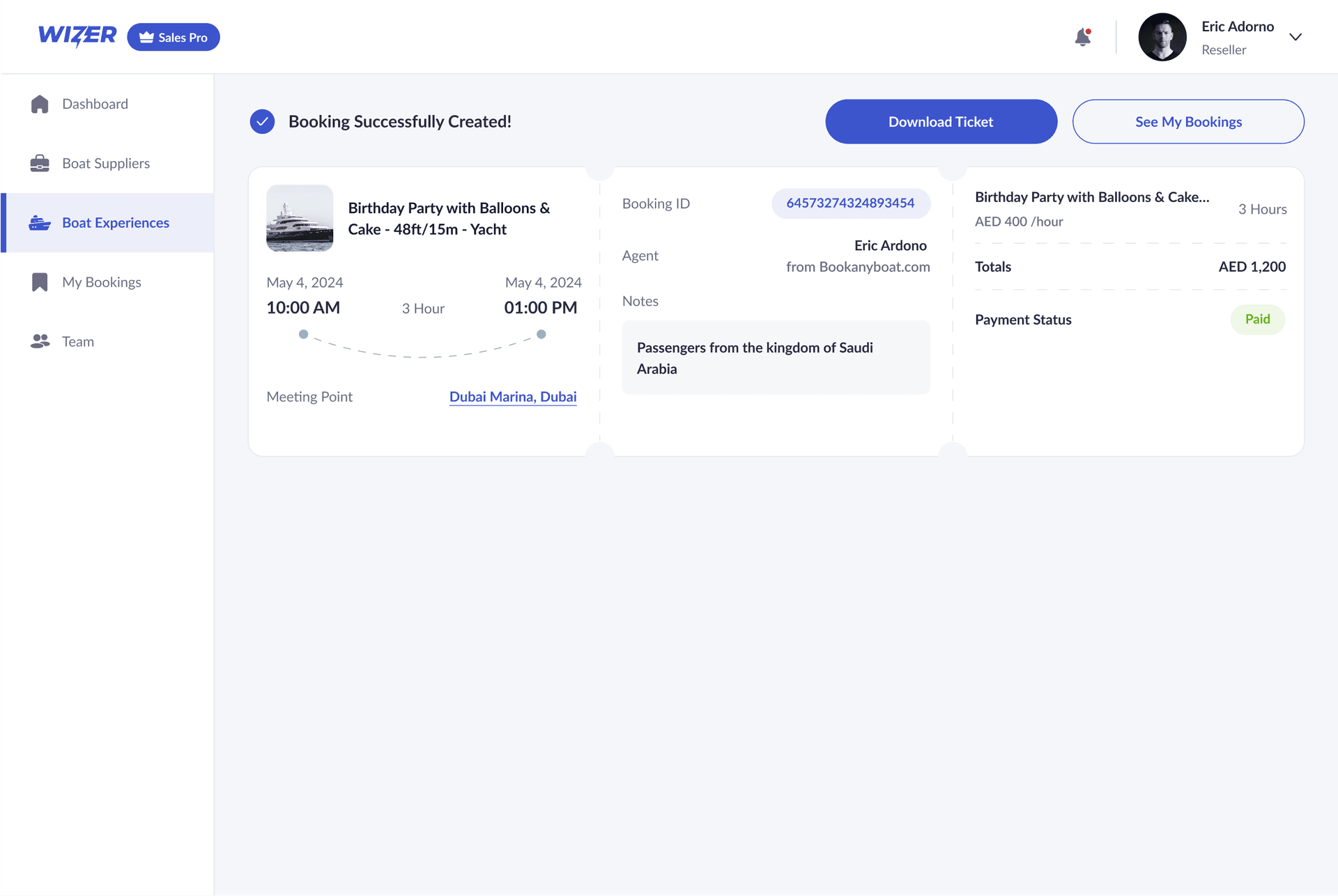
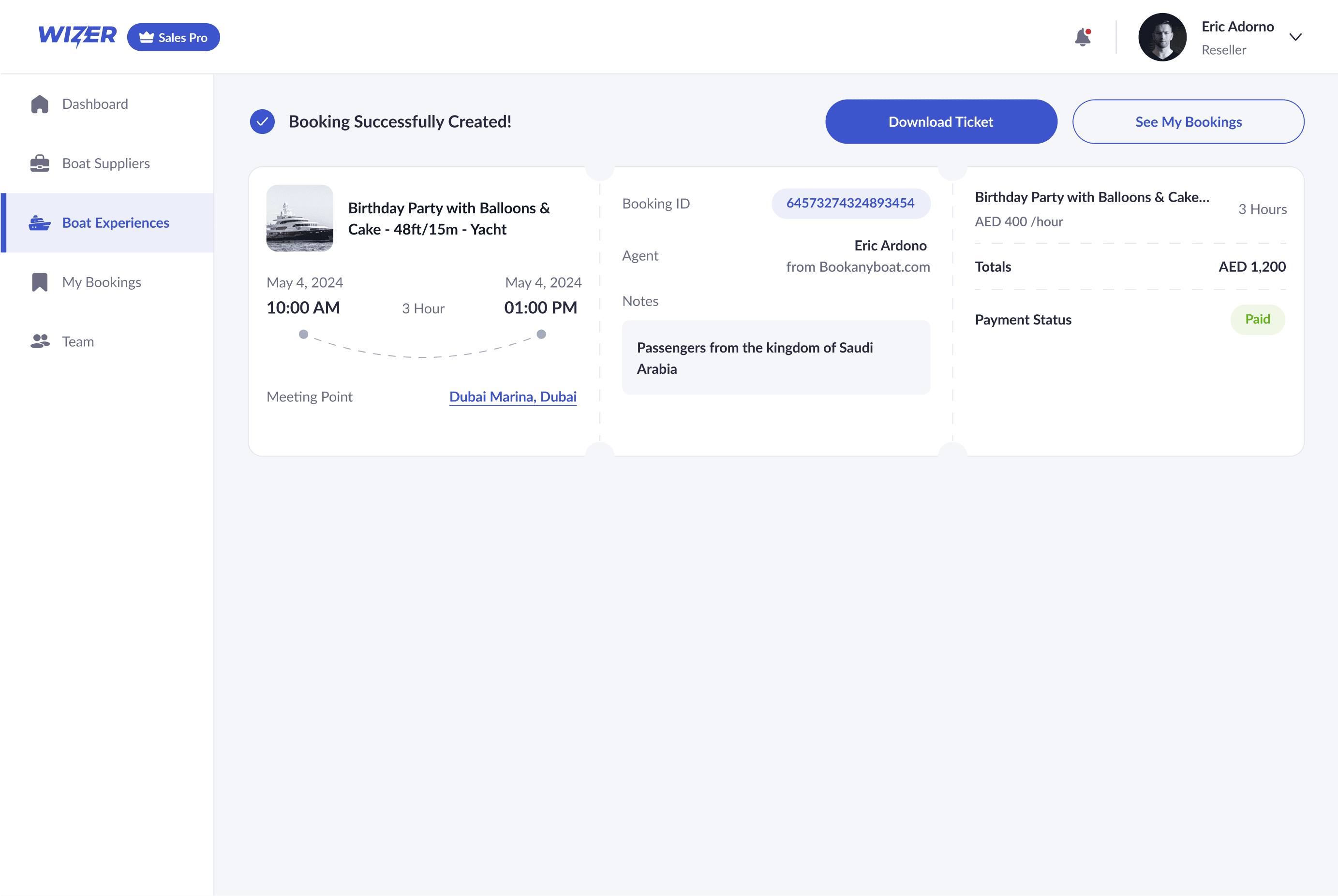
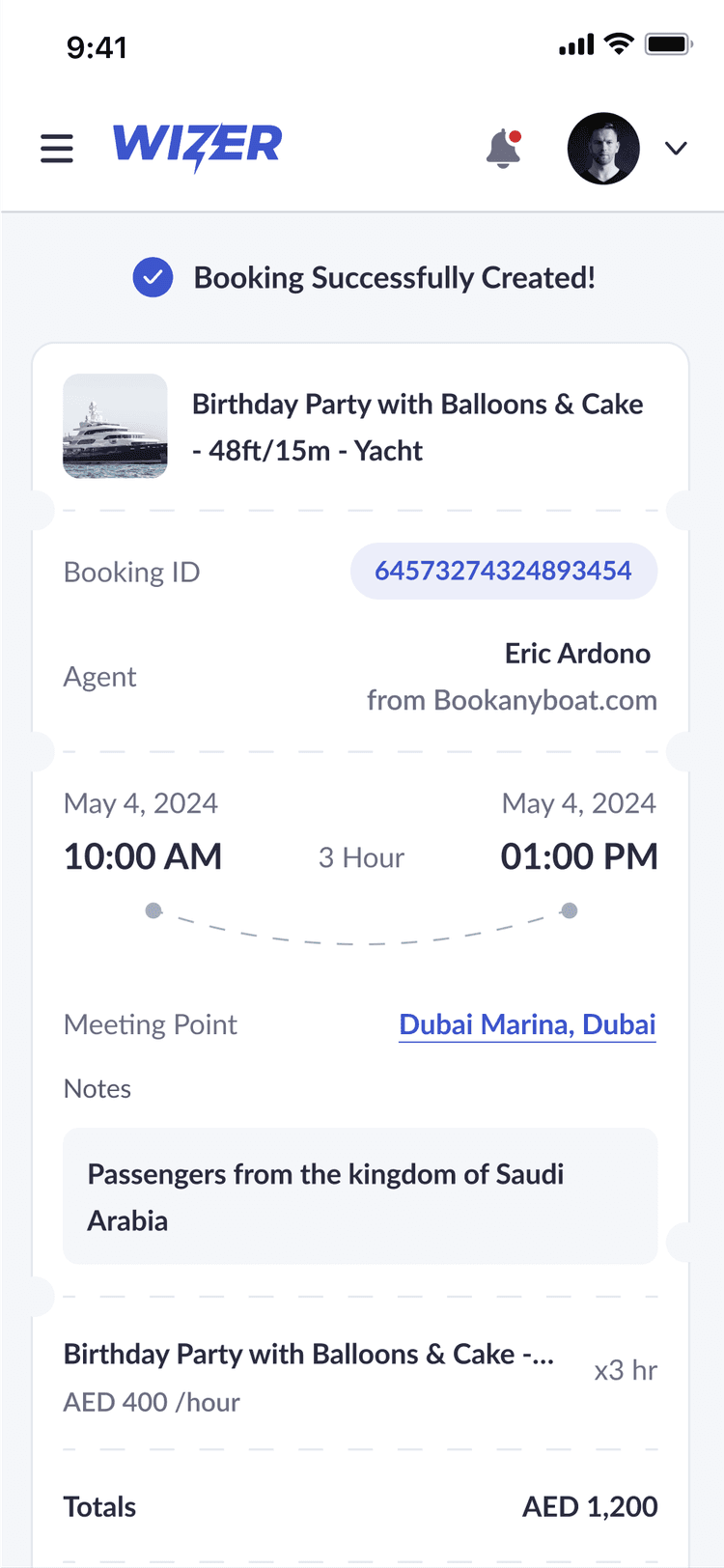
booking ticket

Once a booking is completed, users are presented with a clear, organized summary containing all essential trip details—from date, time, and meeting point to agent info, notes, and payment status. The interface makes it easy to download the ticket or navigate directly to the booking list, supporting a seamless handoff between confirmation and next steps.

booking ticket

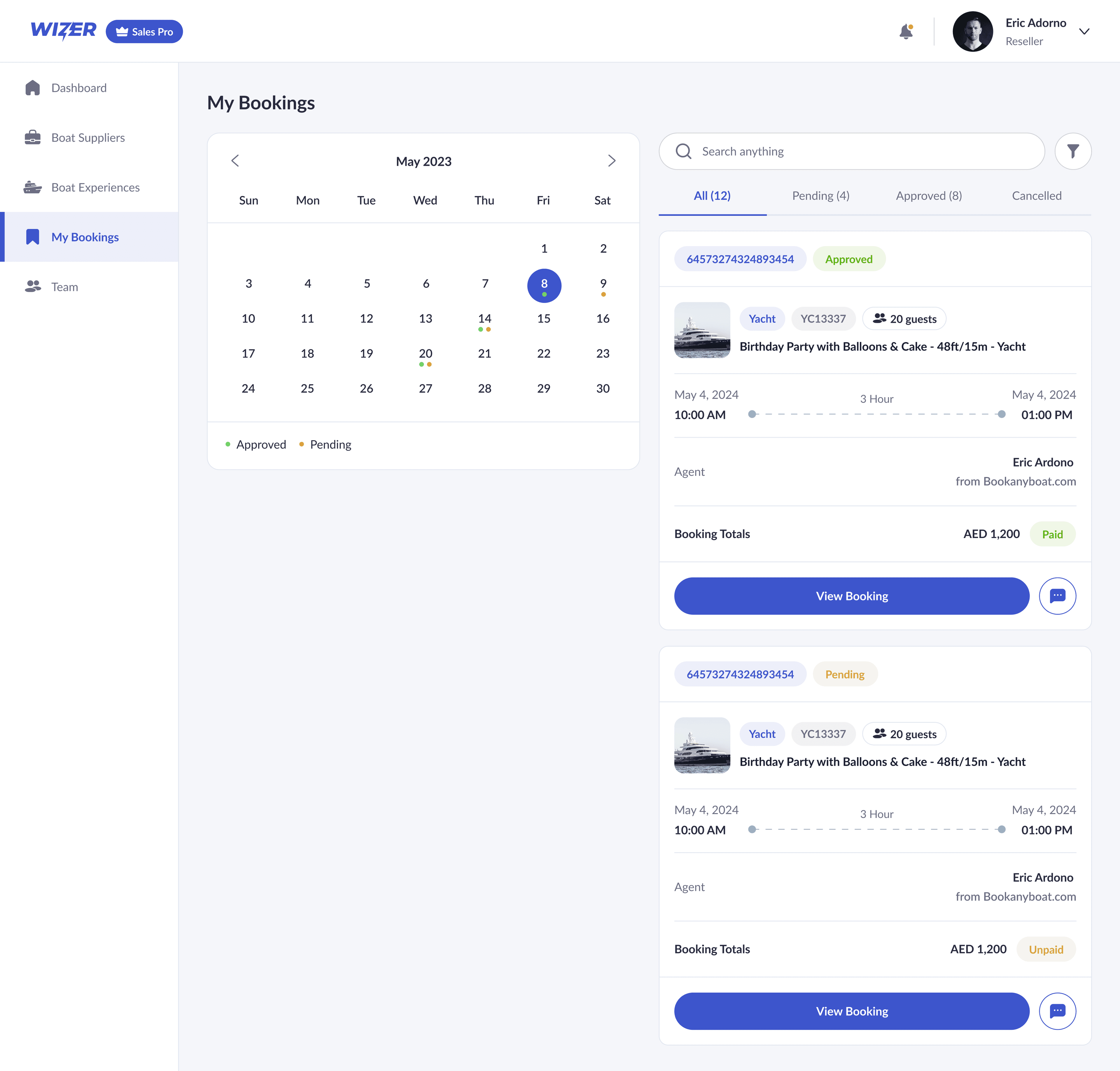
booking management

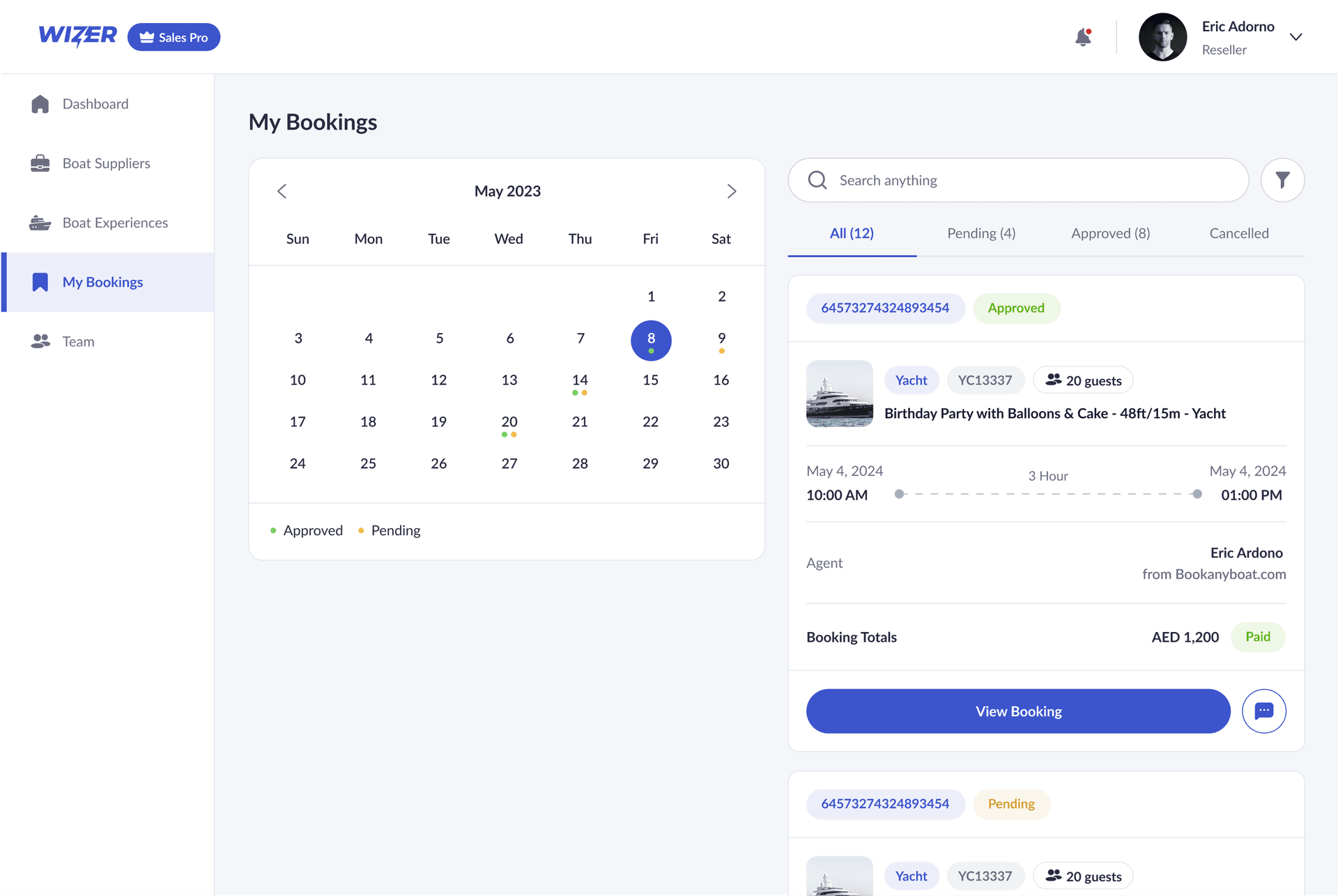
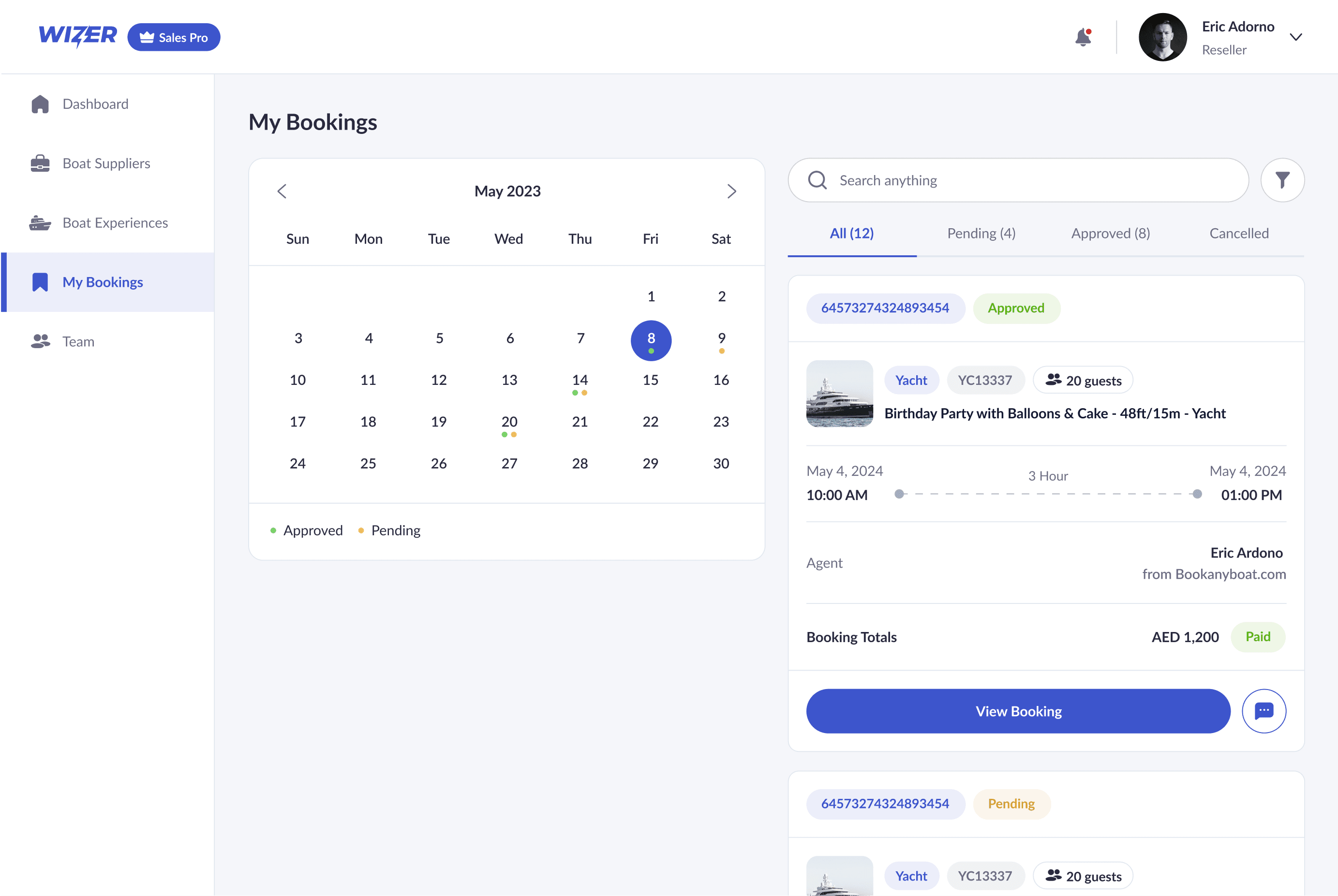
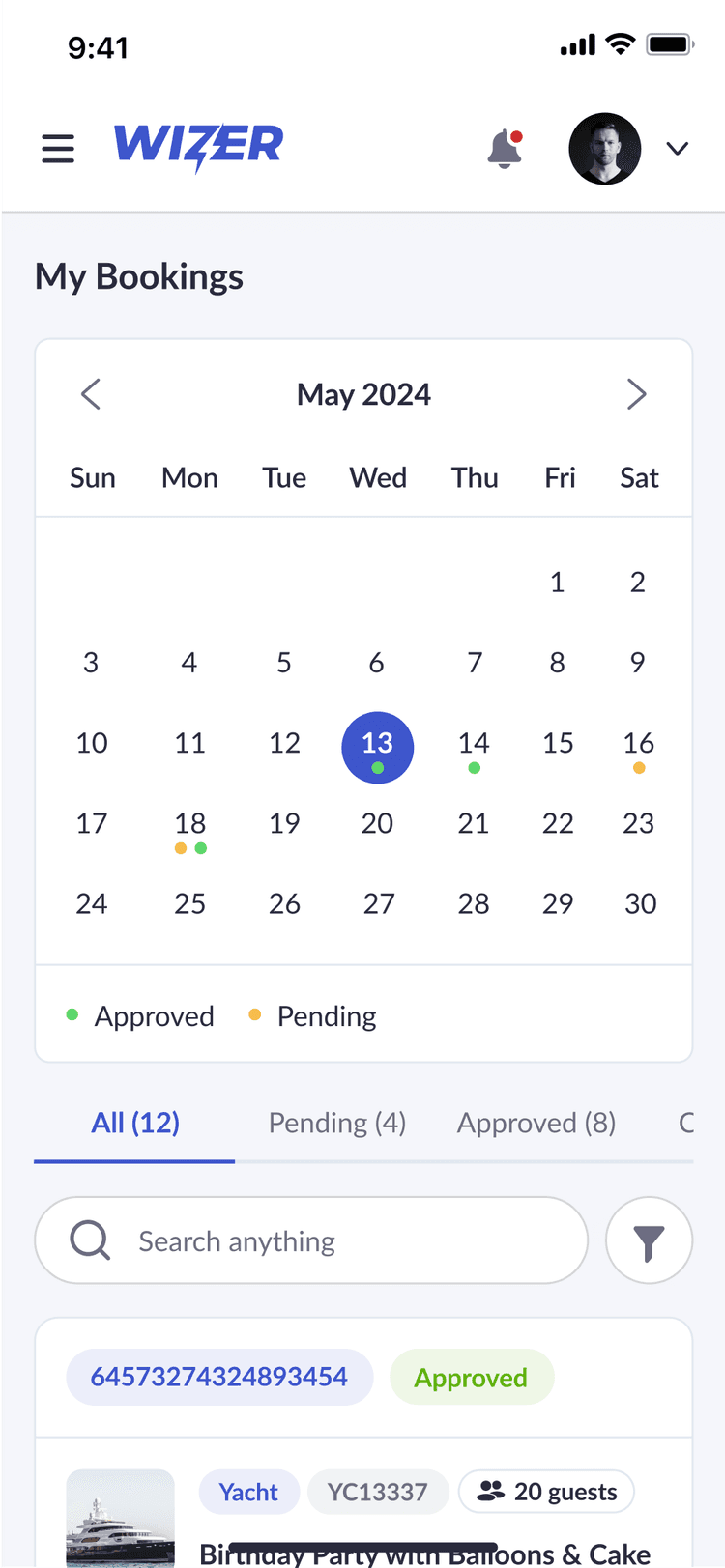
The booking management dashboard gives resellers a clear overview of all their reservations in one place. With filters for status, quick search, and a calendar view, users can easily track approved, pending, and cancelled bookings. Each entry includes key details like agent info, timing, and payment status—allowing for quick updates, follow-ups, or edits. This organized view streamlines operations and keeps booking workflows transparent and efficient.

booking management

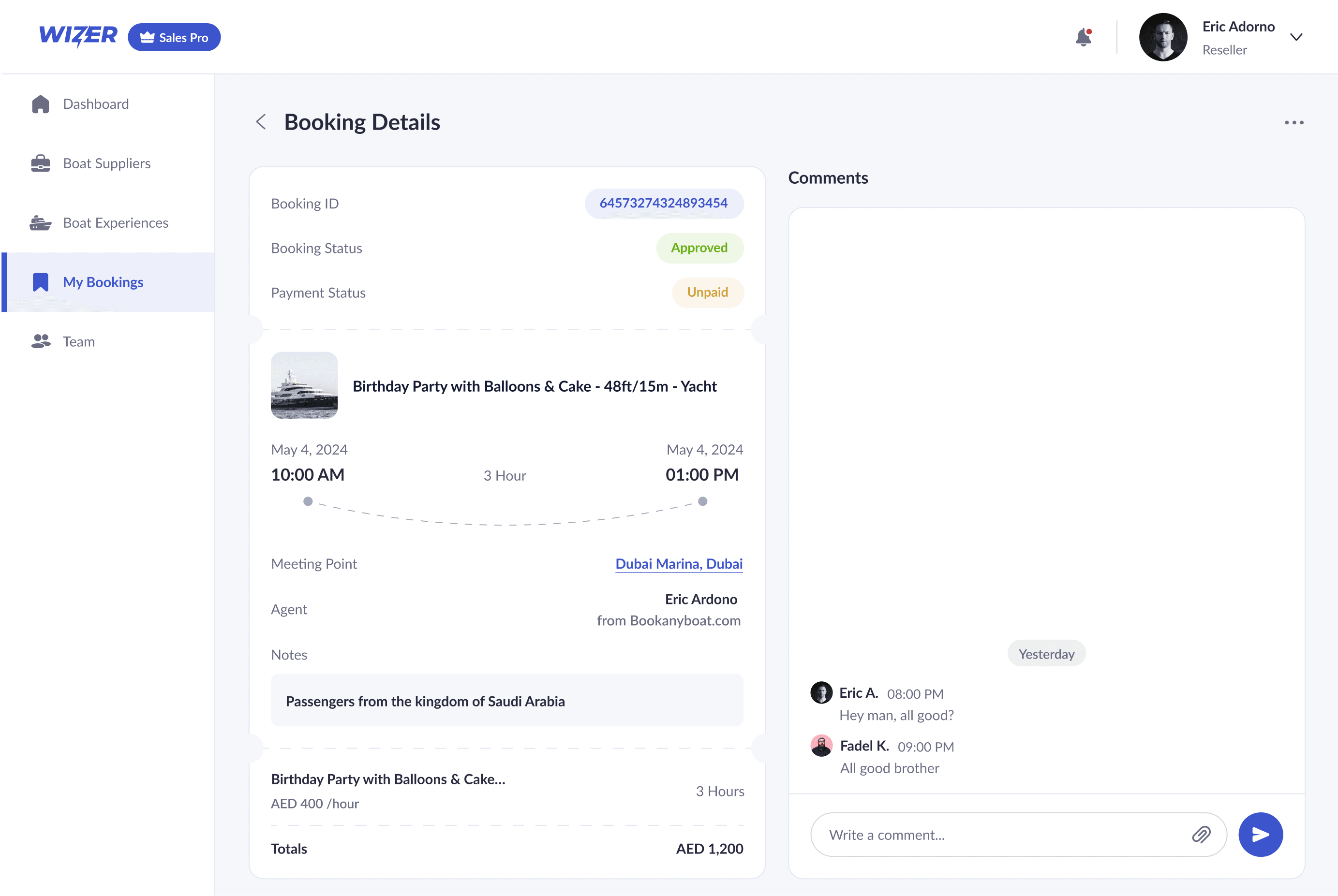
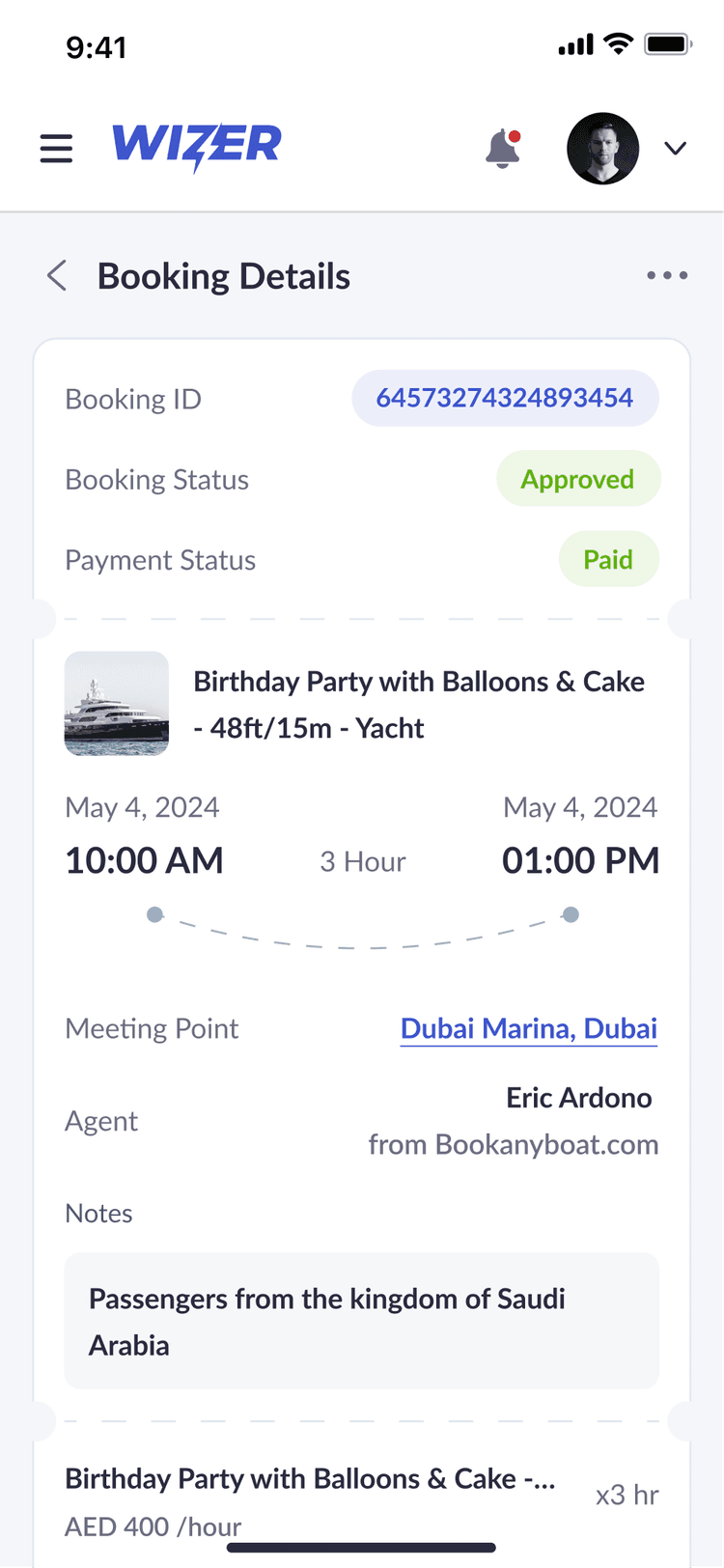
Booking Details

This view offers a complete breakdown of each booking, including timing, location, payment status, and custom notes. It centralizes all essential trip information in one place, giving resellers and operators full transparency at a glance. The built-in comment section enables real-time communication between parties, helping resolve questions or updates quickly and keeping everyone aligned throughout the process.

Booking Details

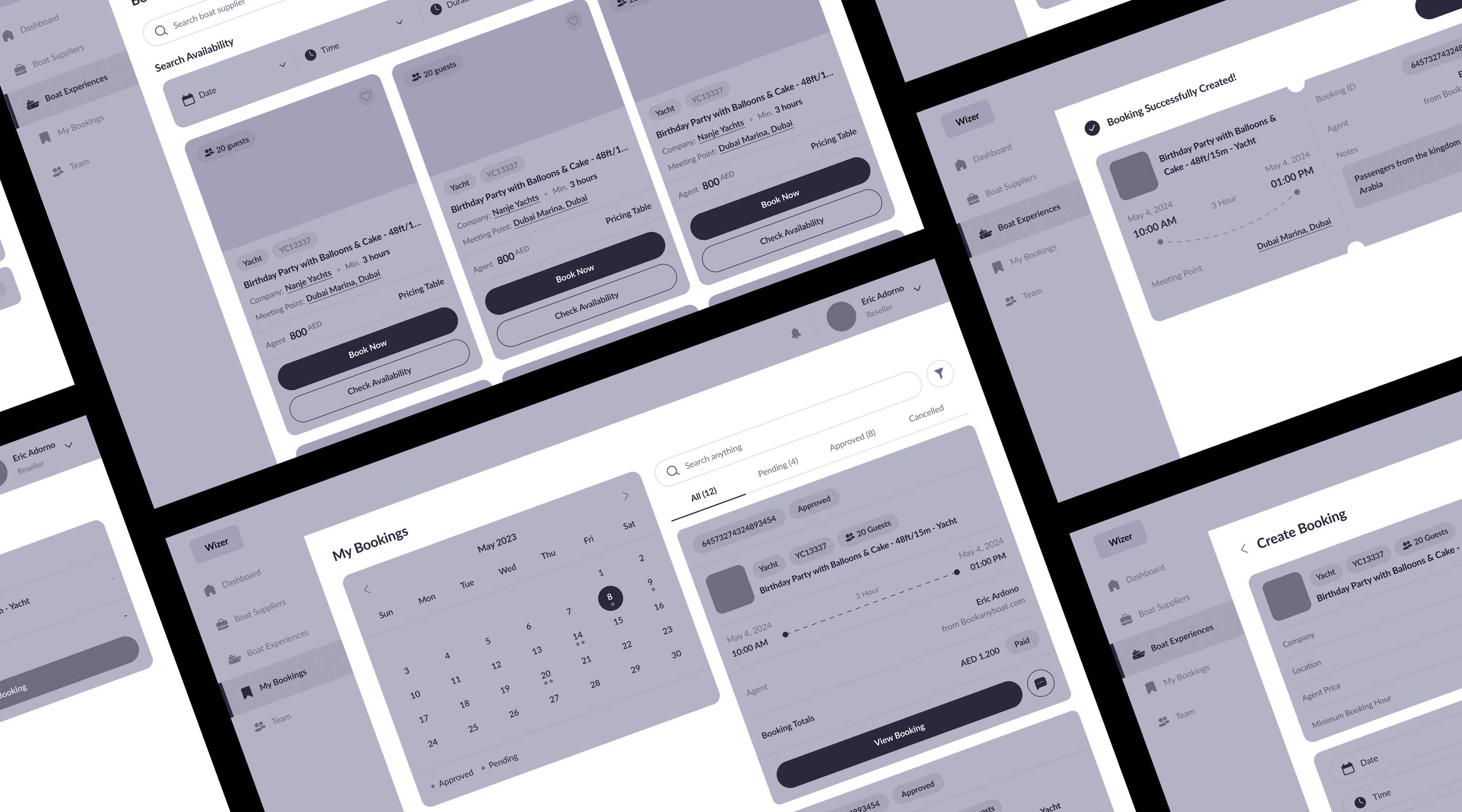
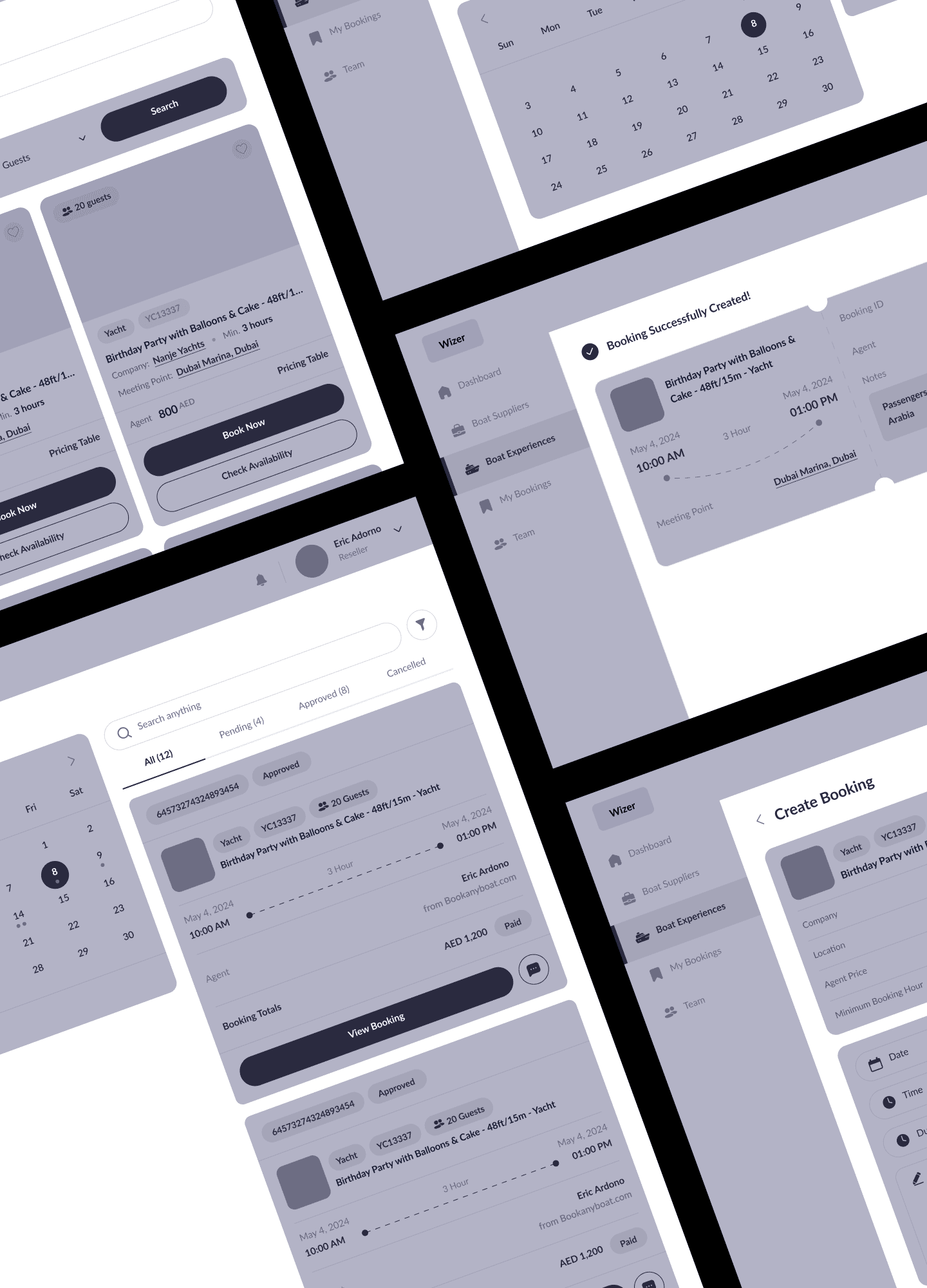
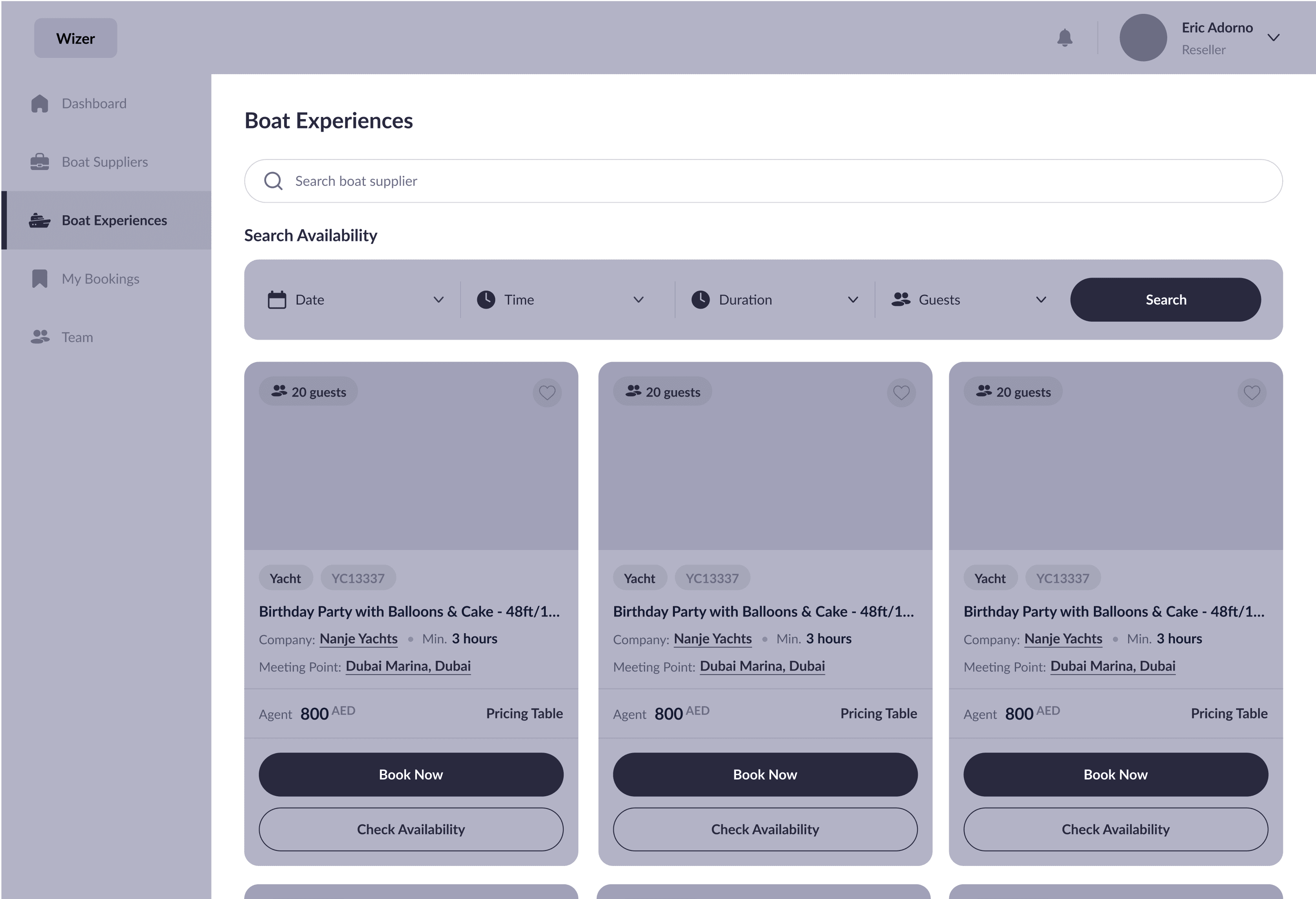
UX Wireframe

We began by developing low-fidelity wireframes to define the structure, layout, and navigation across key flows like booking, calendar coordination, and team access. This phase allowed us to focus on functionality and clarity, ensuring that each screen served its purpose with minimal friction. The result was a well-mapped foundation that guided the visual and interaction design stages smoothly.

Wireframe Wizer

With the core structure and interactions clearly defined, we moved into visual design to elevate the experience. The goal was to bring clarity and professionalism to every screen while maintaining the simplicity and focus established in the wireframes. This next phase translated functional flows into a refined, visually cohesive interface tailored for real-world scheduling and collaboration.

UI Wizer
Wireframe Wizer

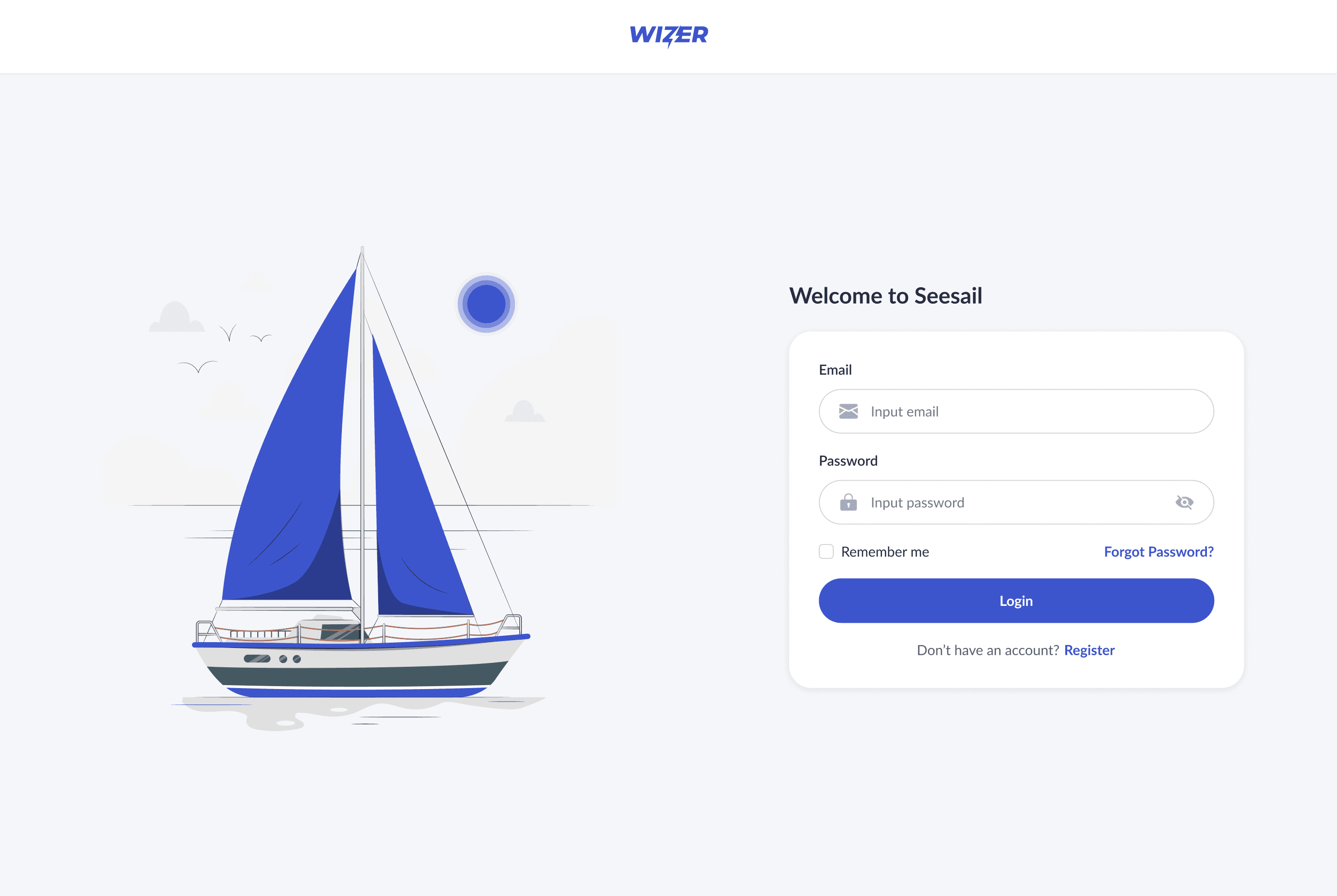
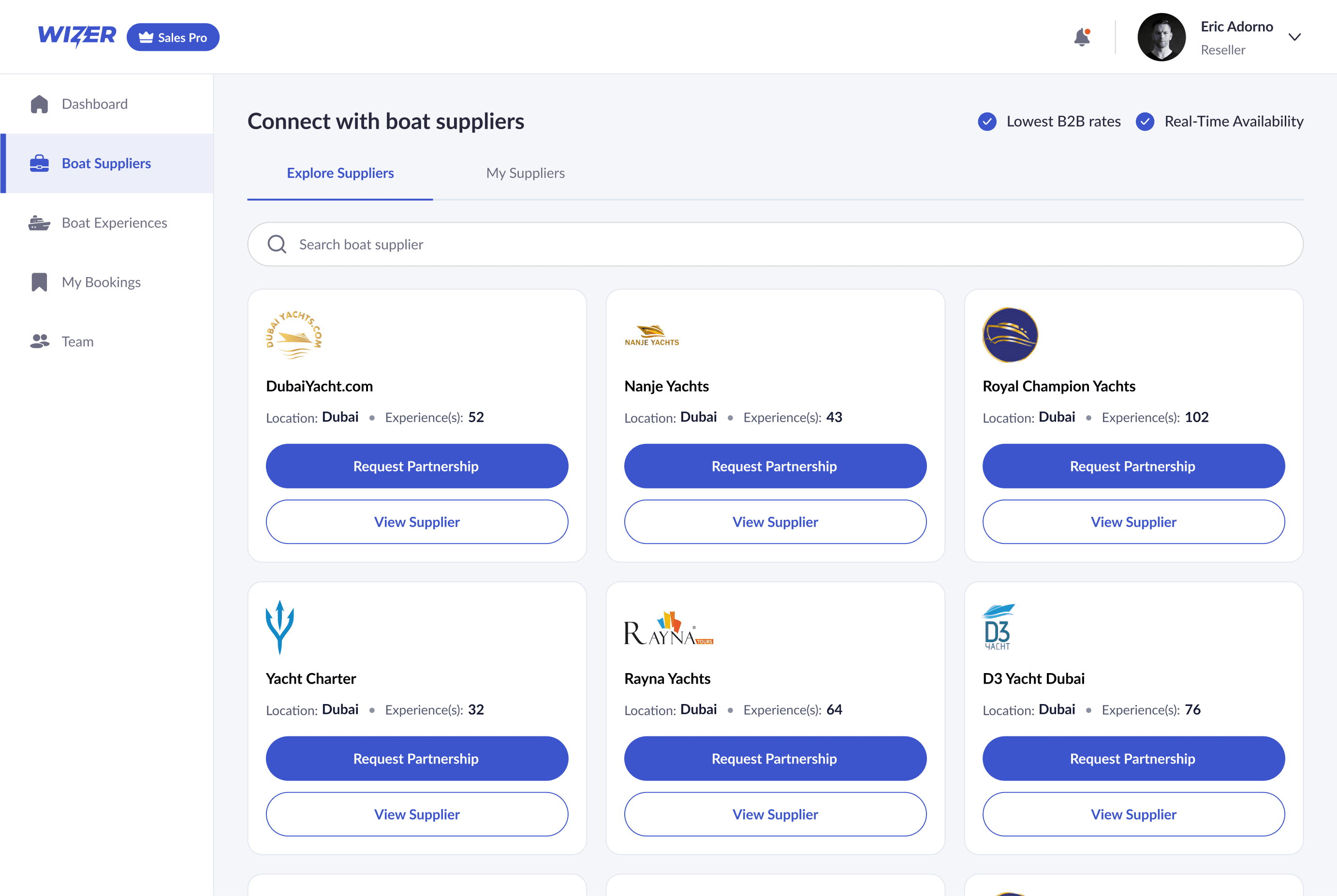
UI Design

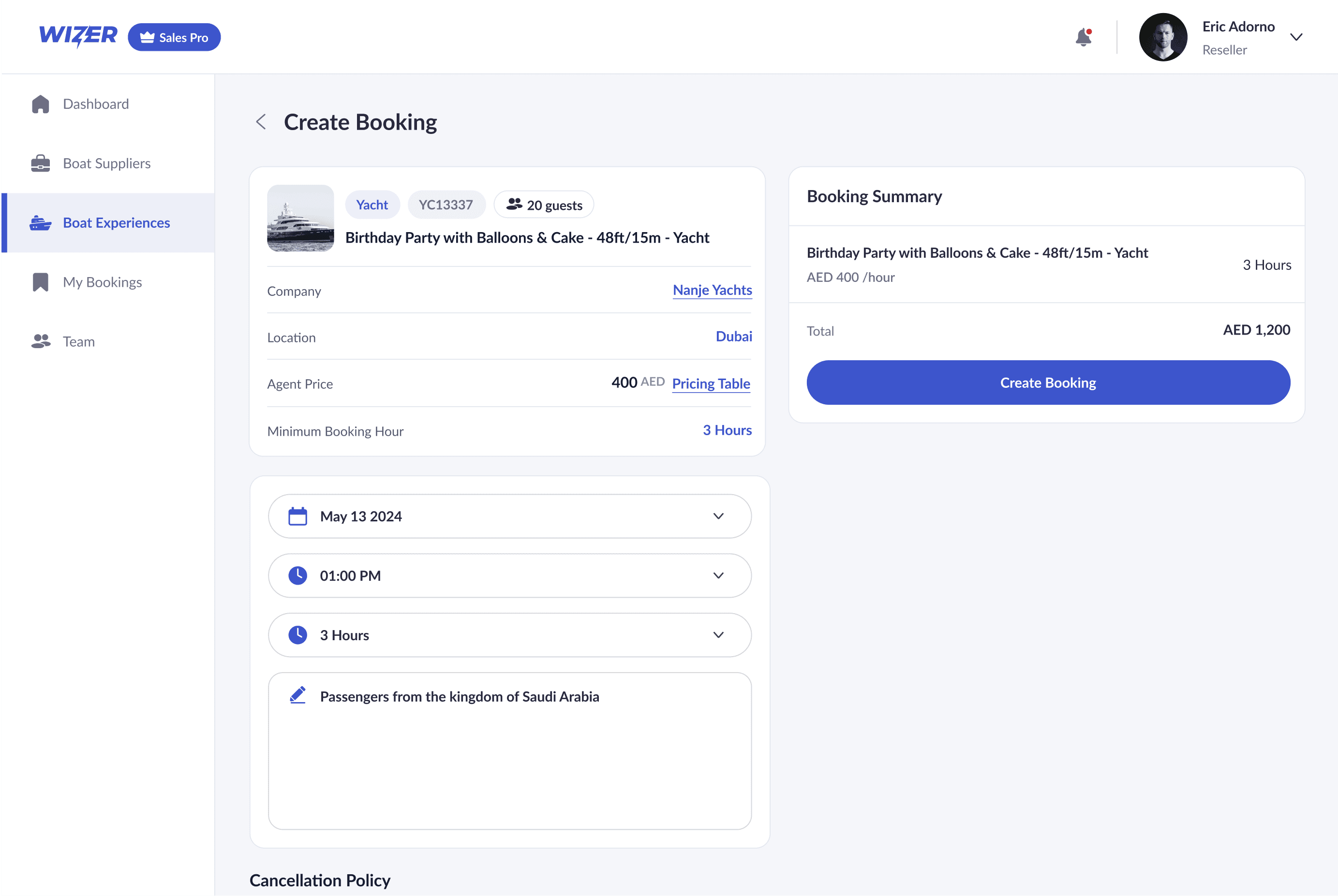
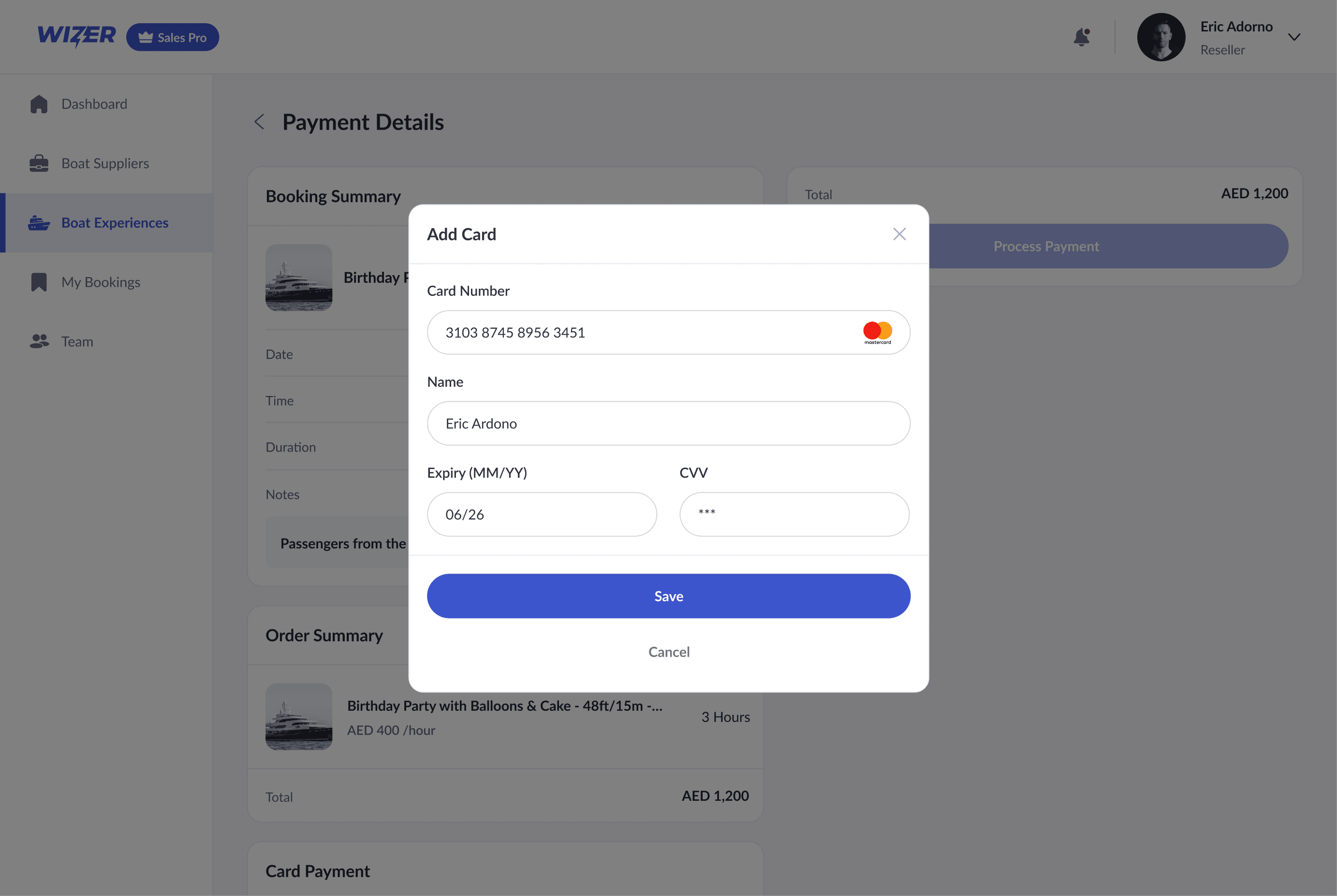
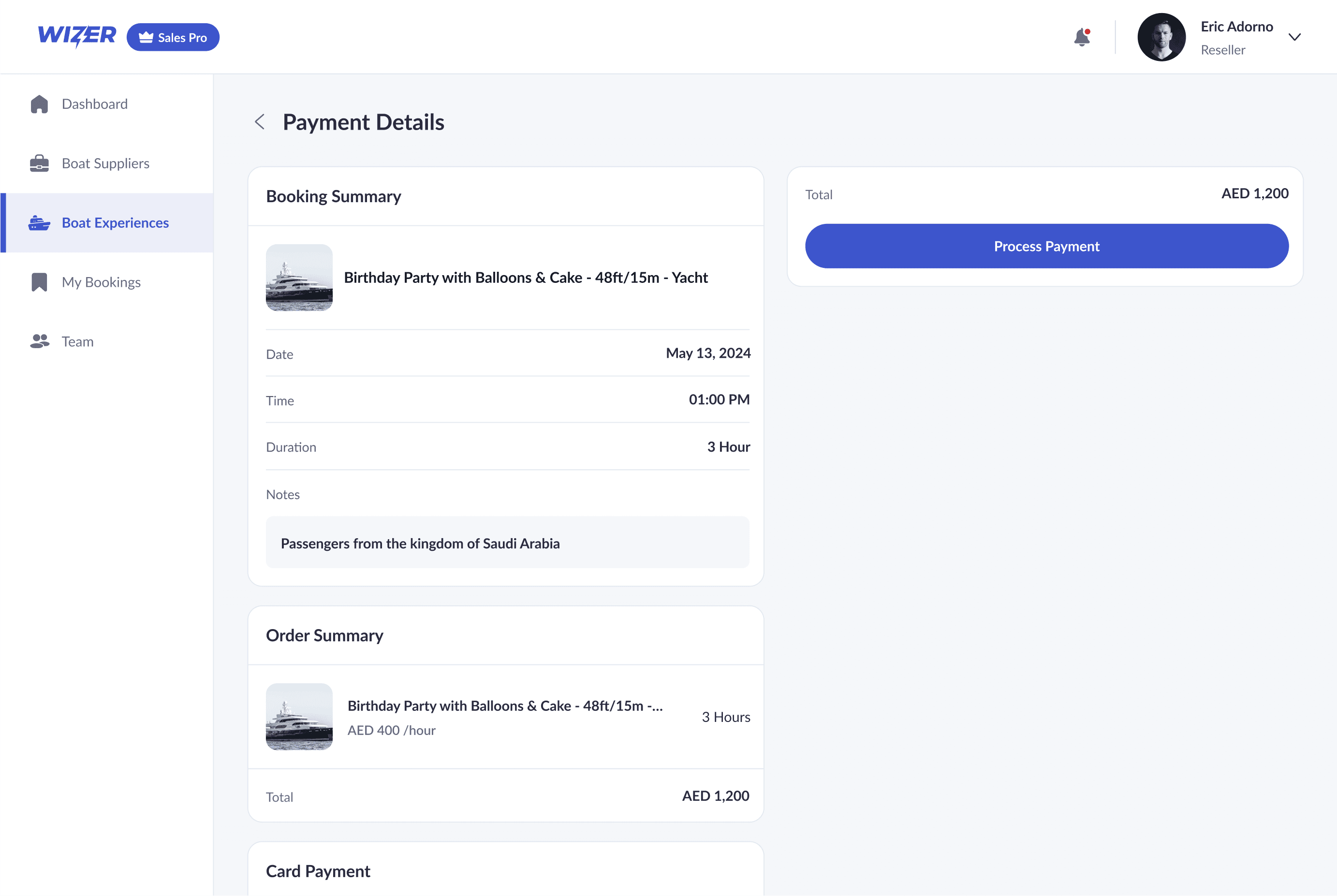
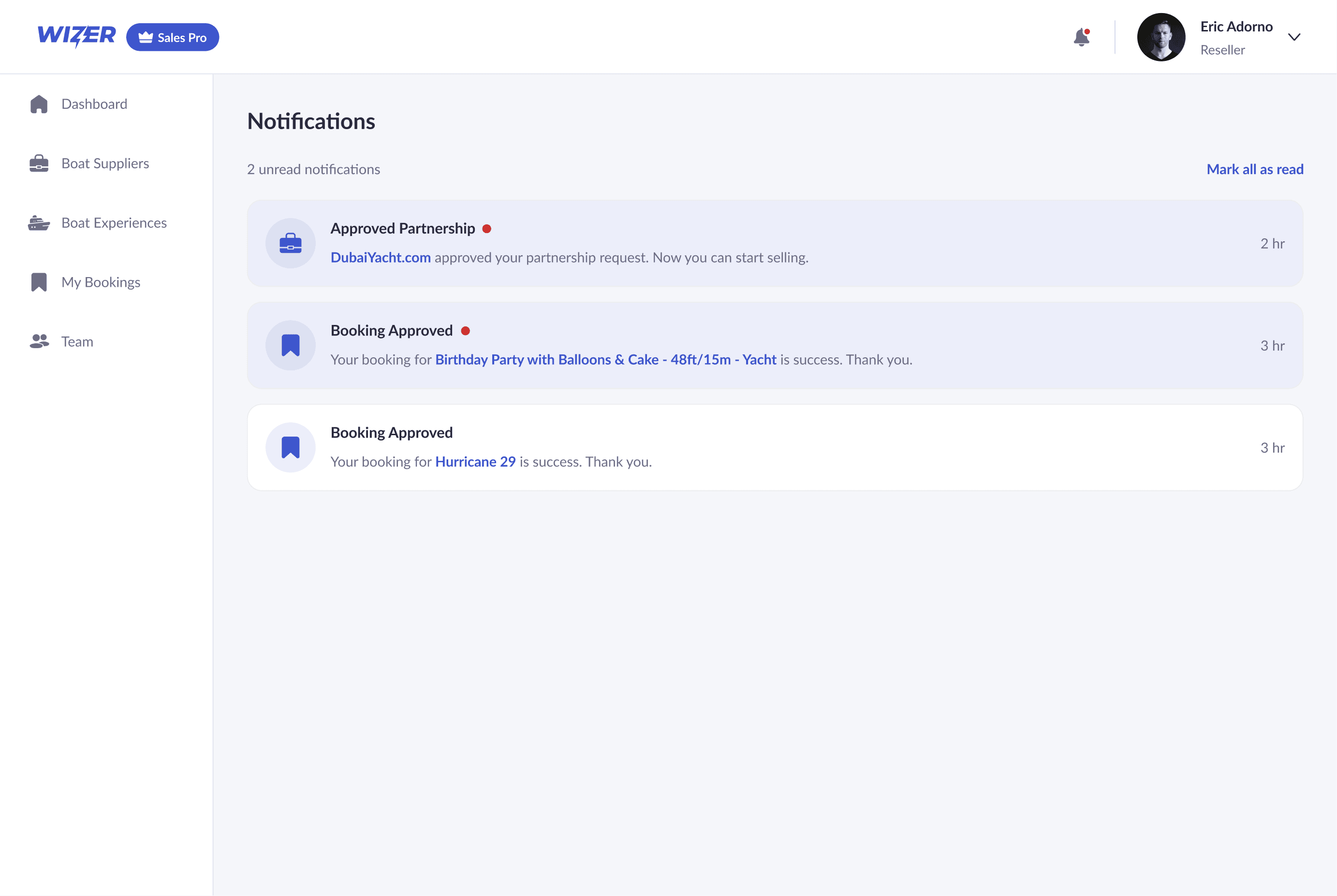
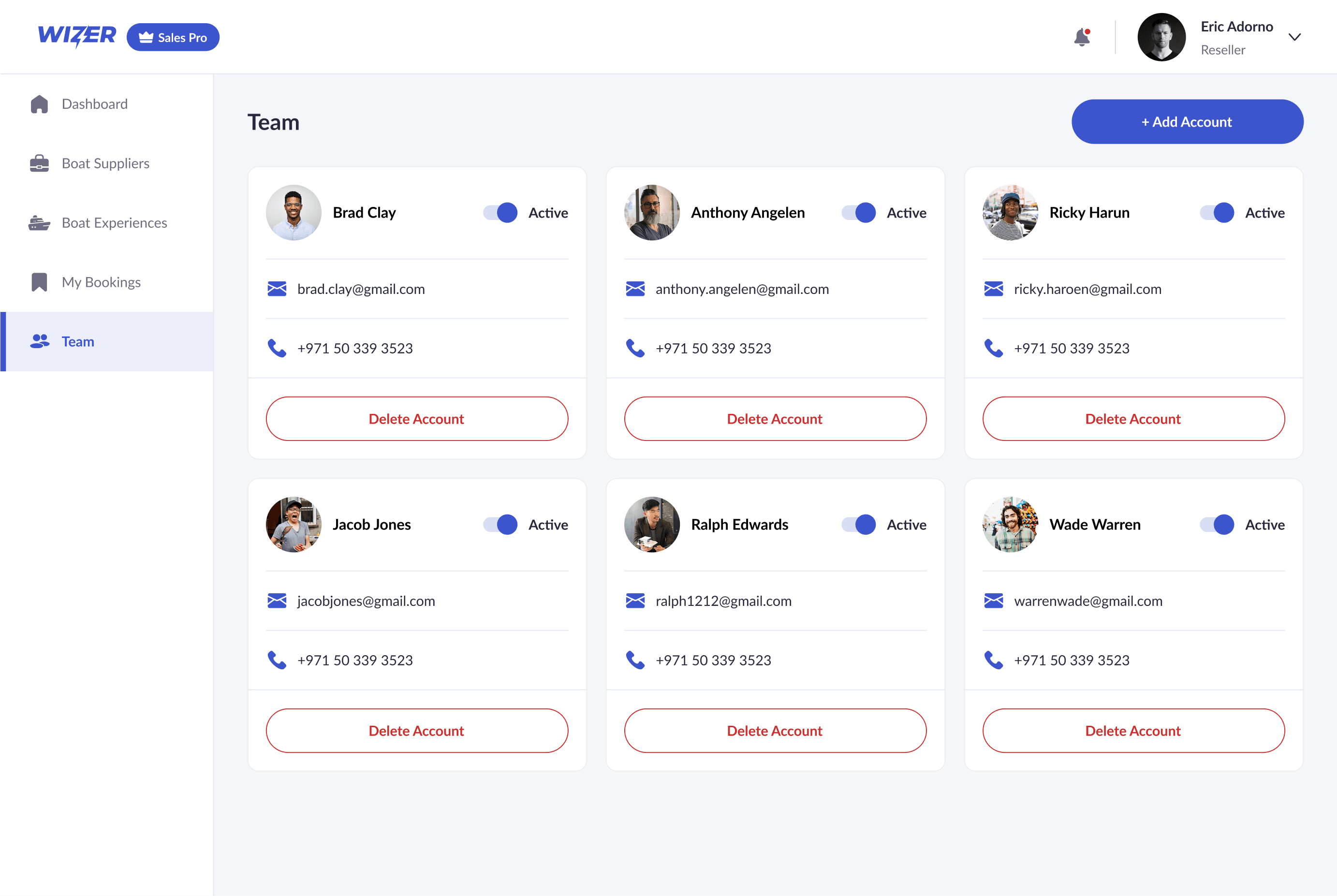
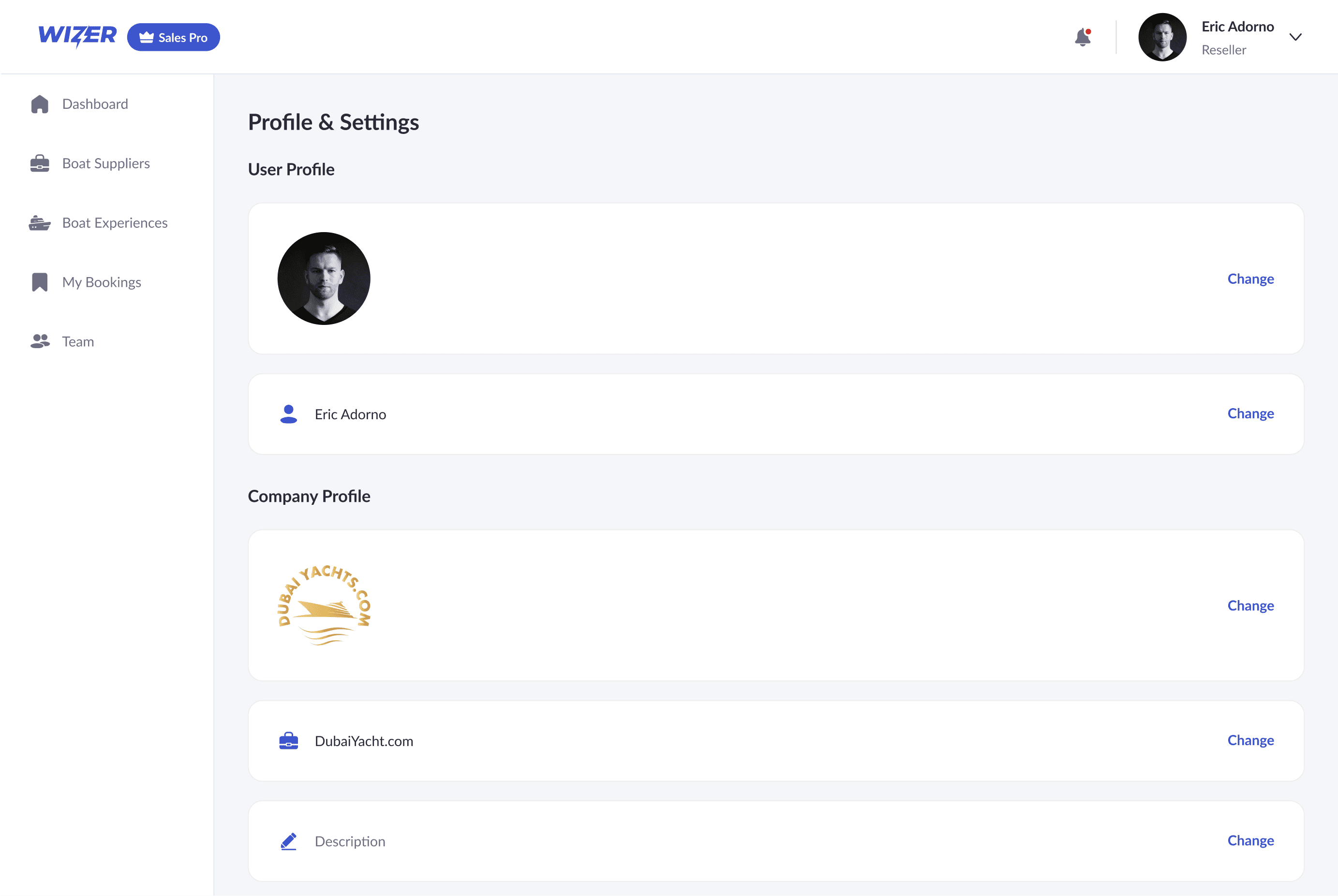
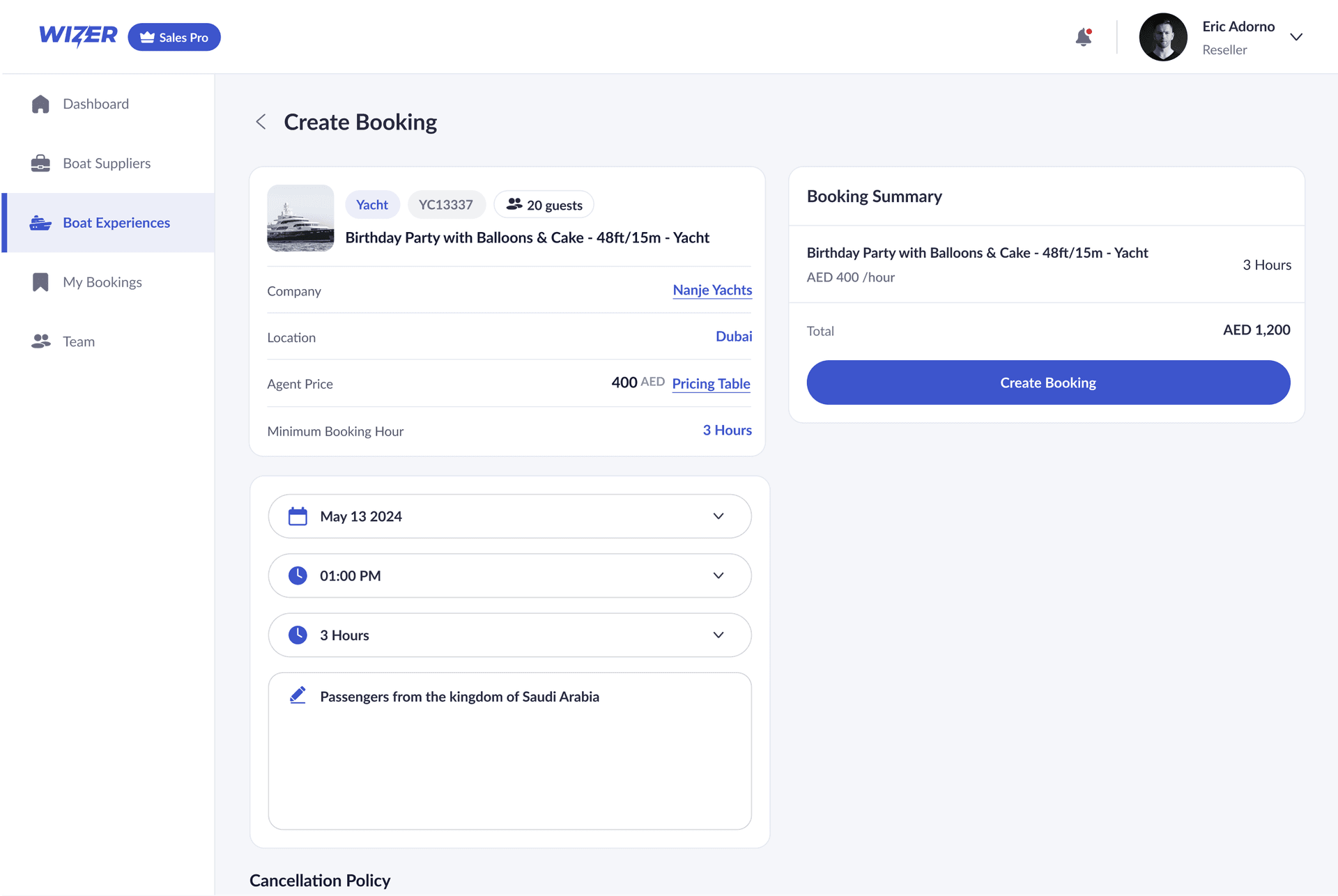
The interface was designed to feel clean, modern, and easy to navigate while managing complex schedules and bookings. A neutral color base paired with vibrant accents helps guide attention and emphasize important actions. Every component was built with consistency in mind, making the experience clear and reliable across different devices. From iconography to spacing, each visual detail contributes to a focused experience that keeps teams and resellers aligned and efficient.

Wizer UI 1
Wizer UI 2
Wizer UI 3
Wizer UI 4
Wizer UI 5
Wizer UI 6
Wizer UI 7
Wizer UI 8
Wizer UI 9
Wizer UI 10
Wizer UI 11
Wizer UI 12
Wizer UI 13
Wizer UI 1
Wizer UI 2
Wizer UI 3
Wizer UI 4
Wizer UI 5
Wizer UI 6
Wizer UI 7
Wizer UI 8
Wizer UI 9
Wizer UI 10
Wizer UI 11
Wizer UI 12
Wizer UI 13

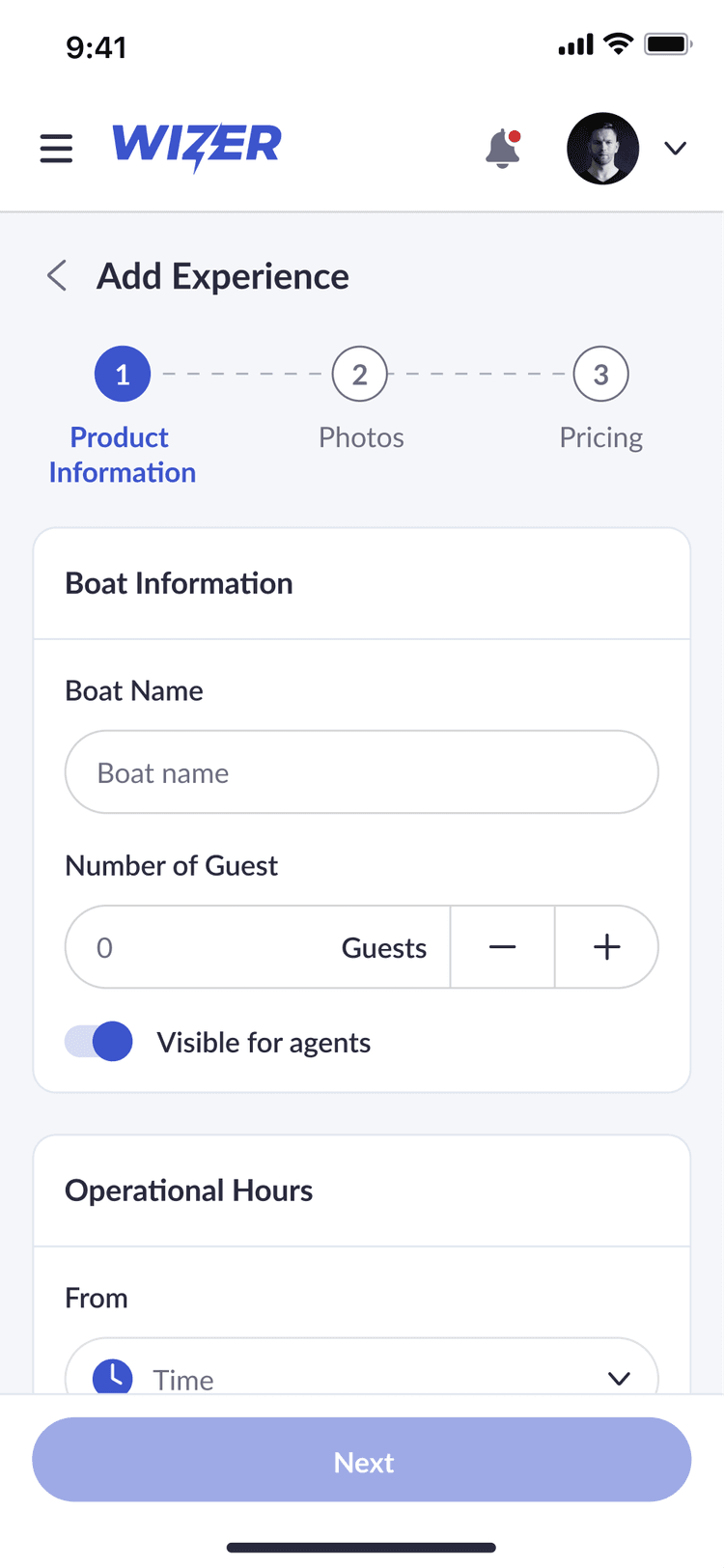
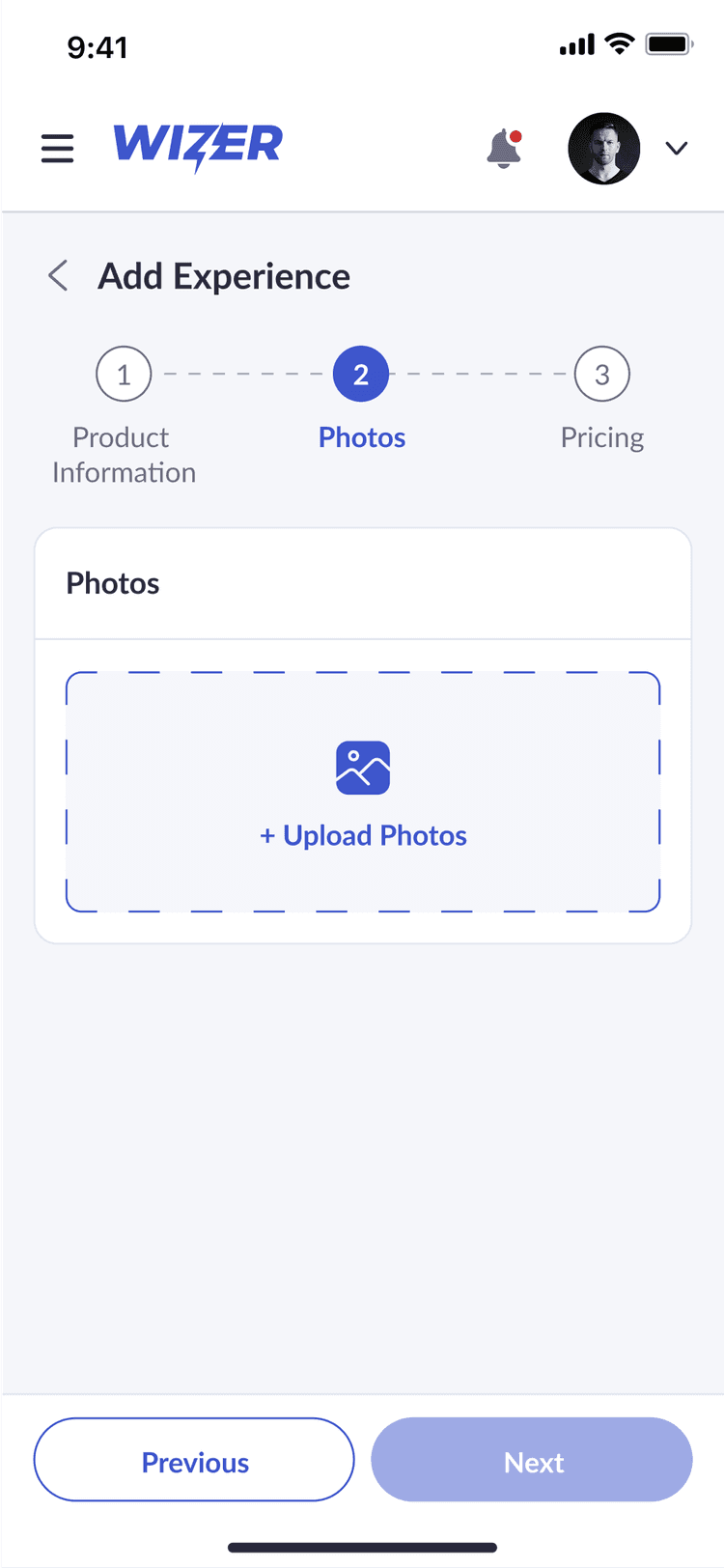
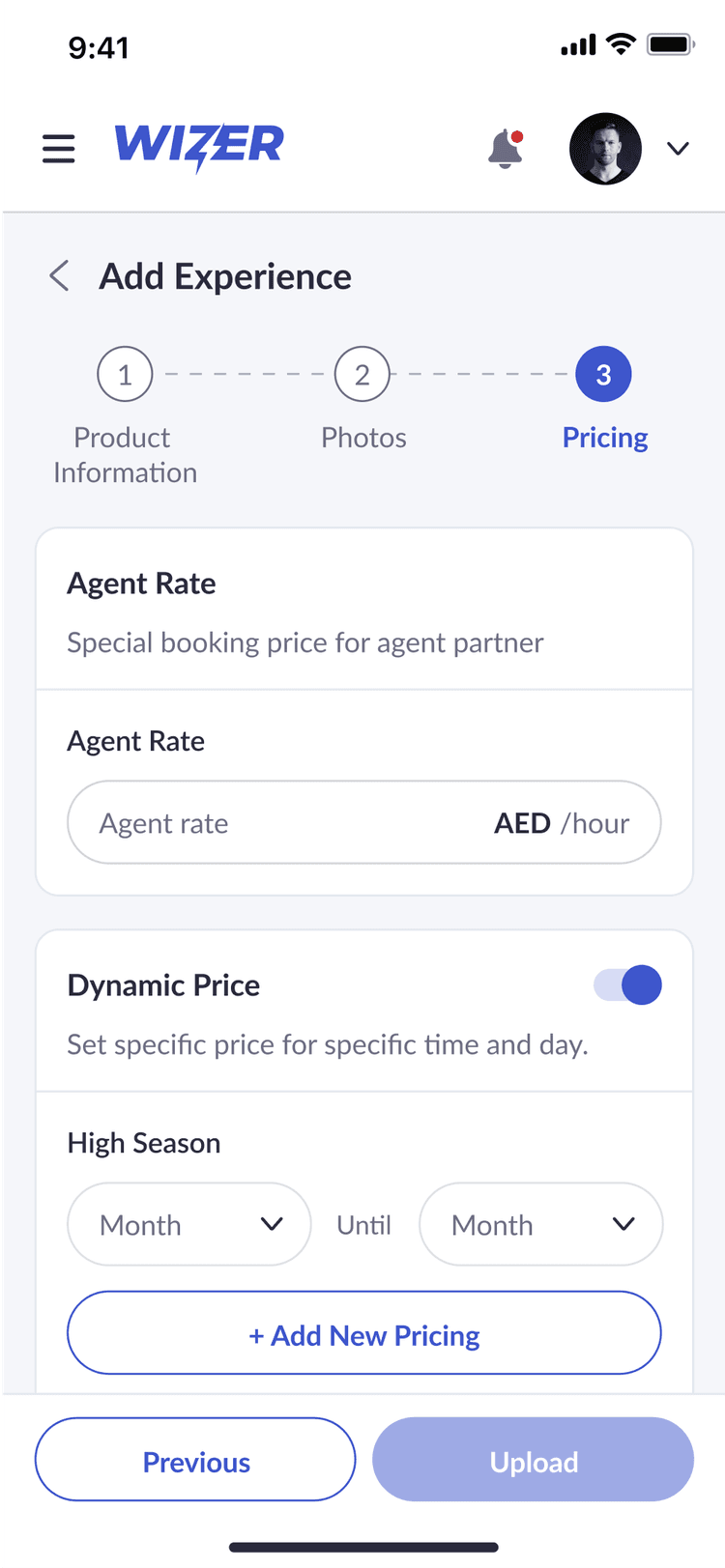
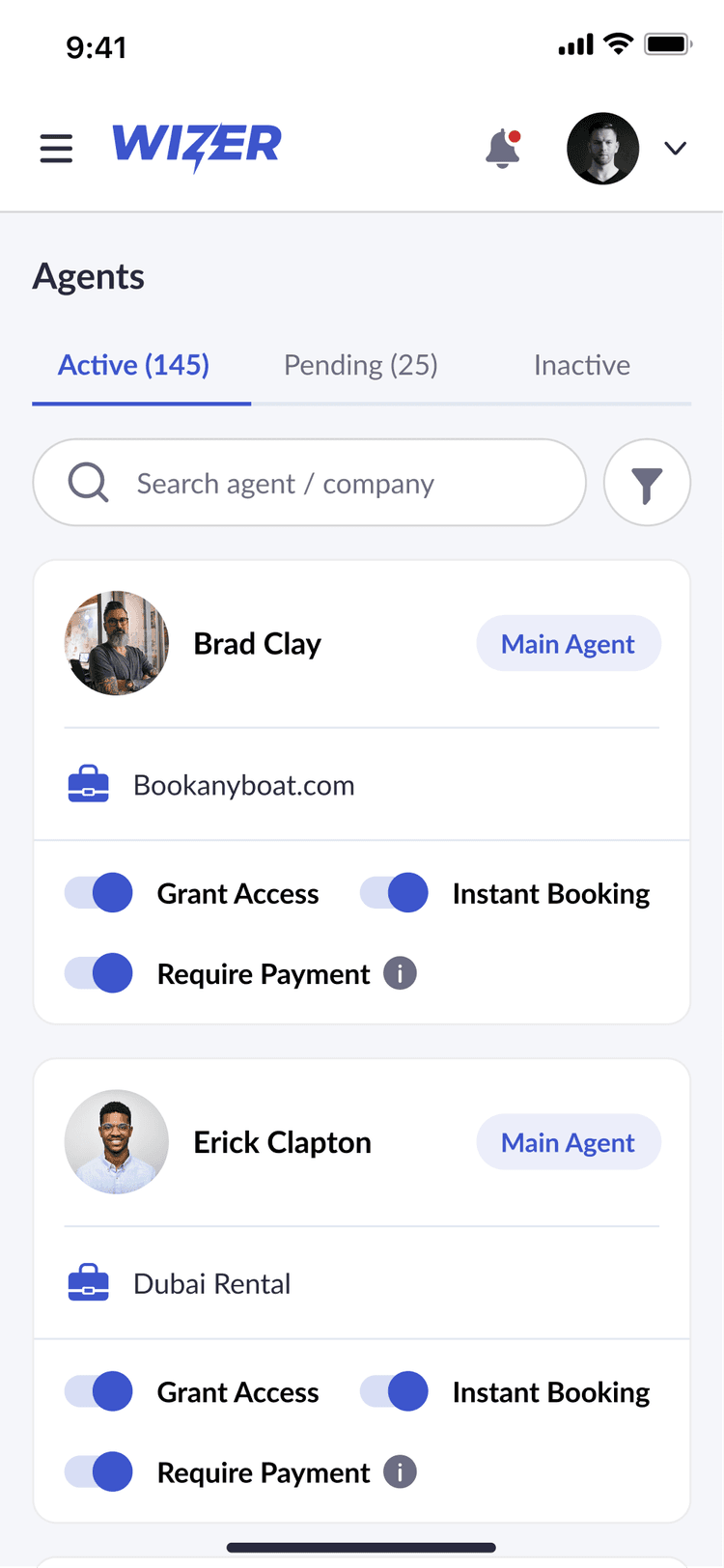
Mobile Experience

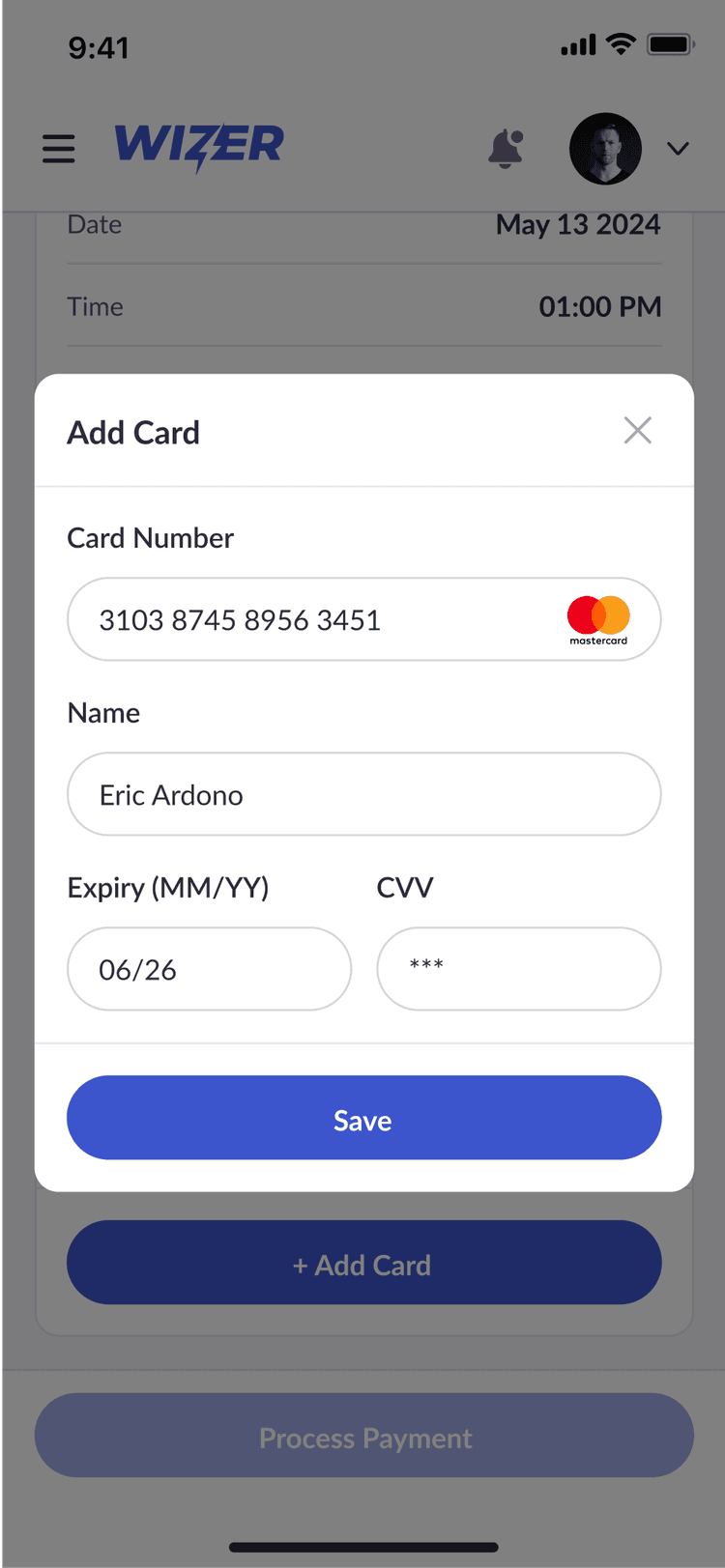
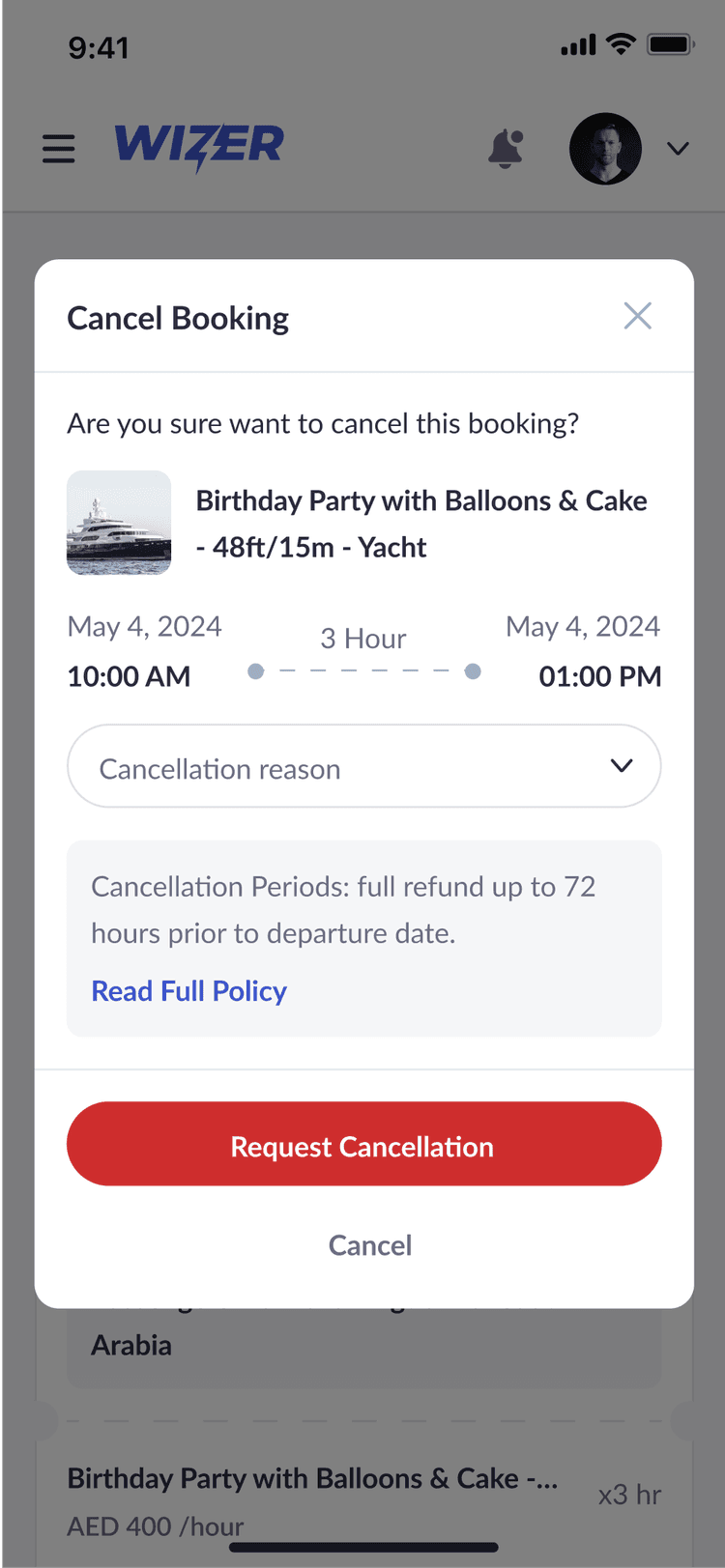
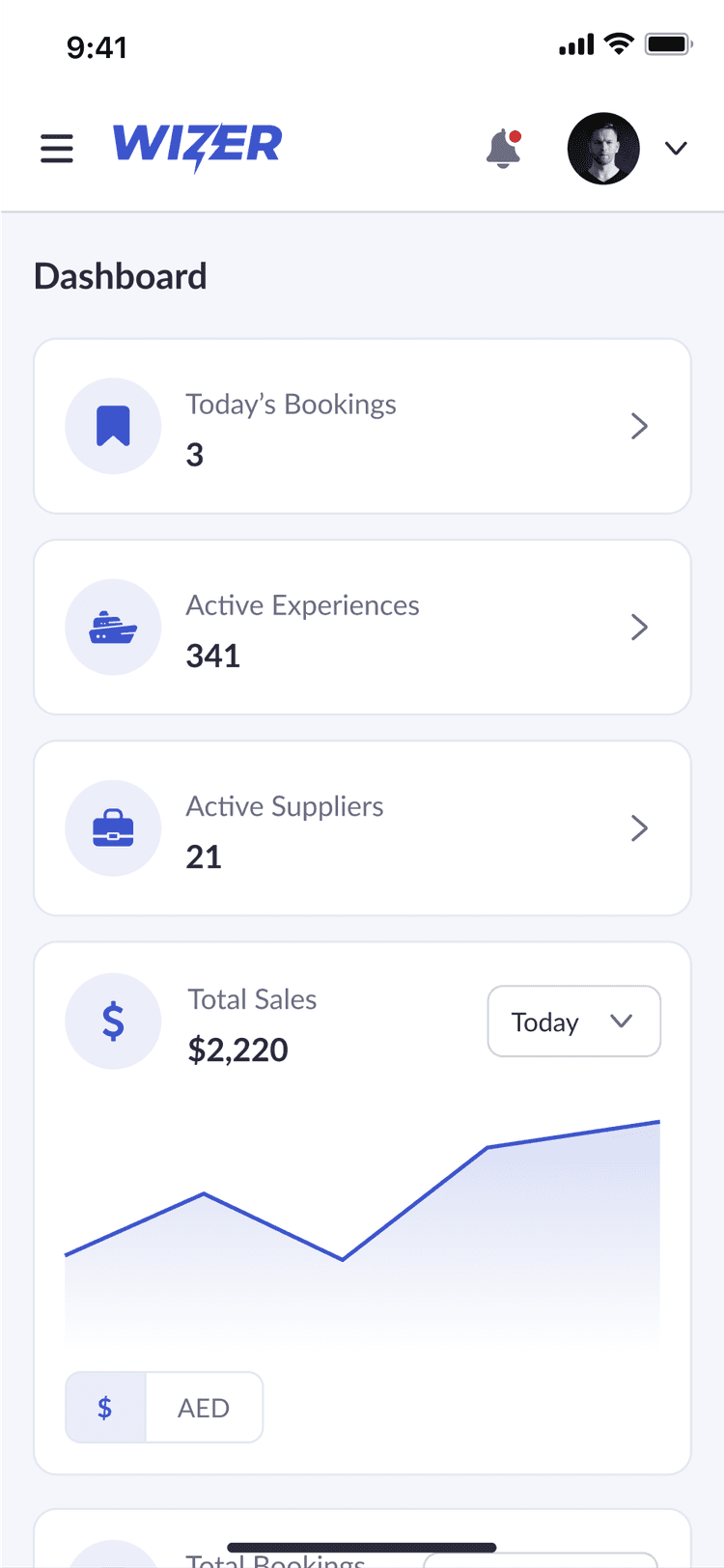
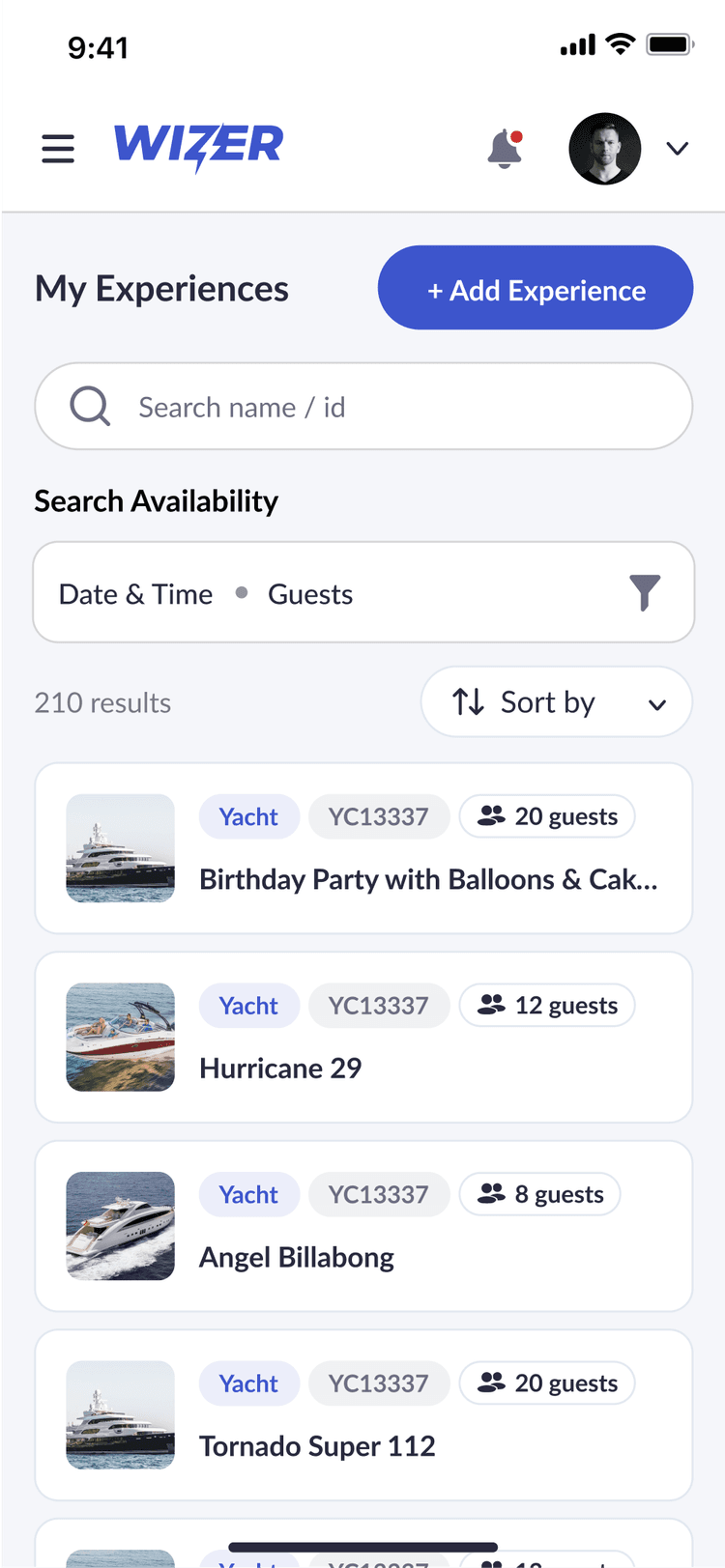
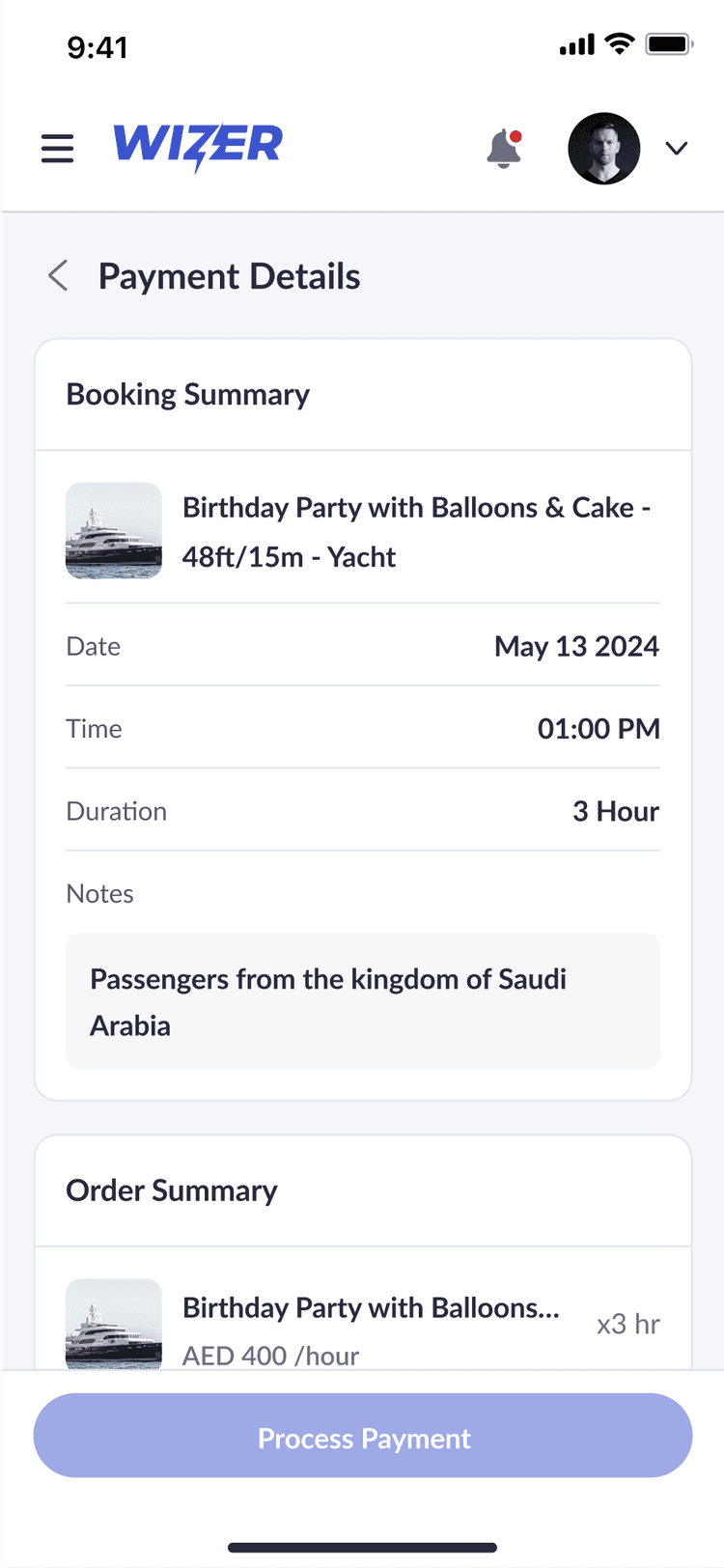
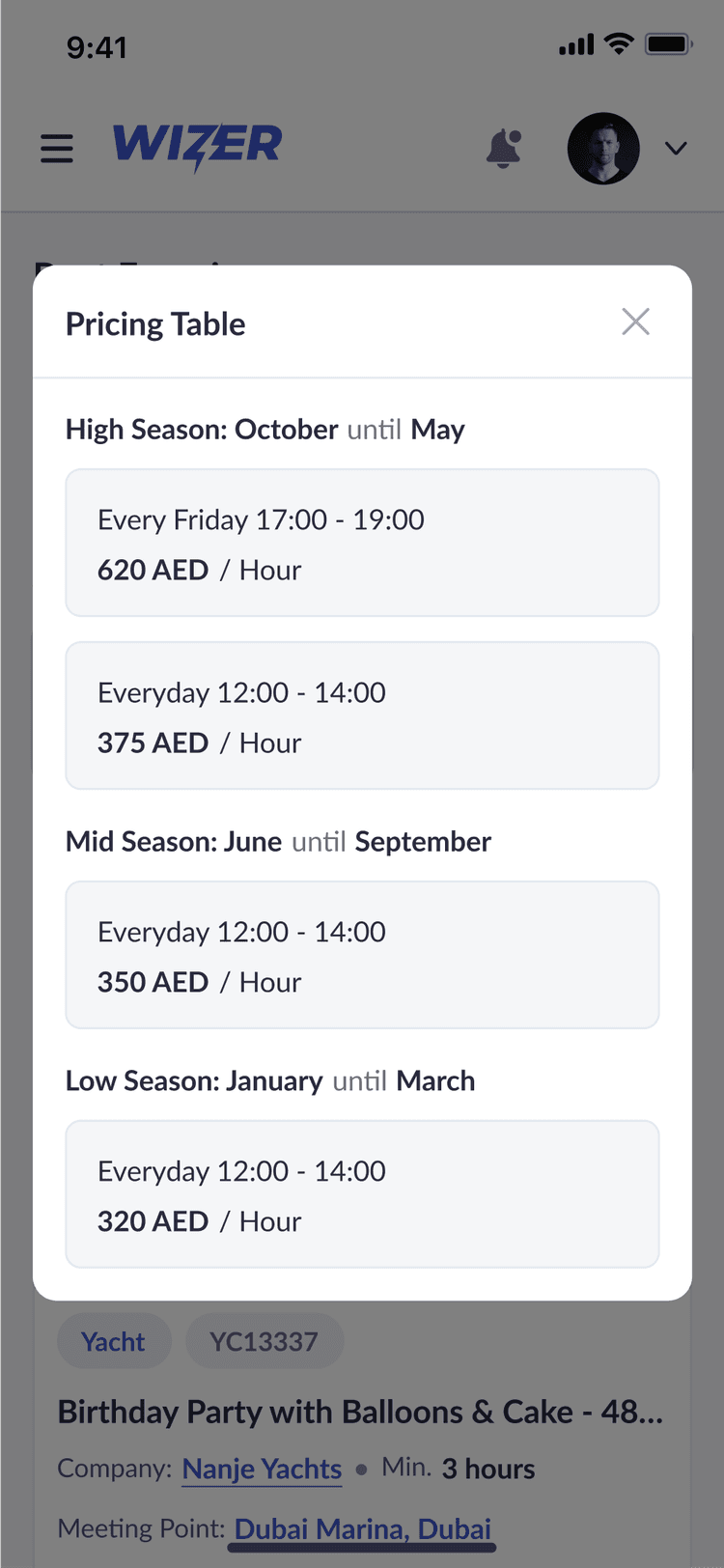
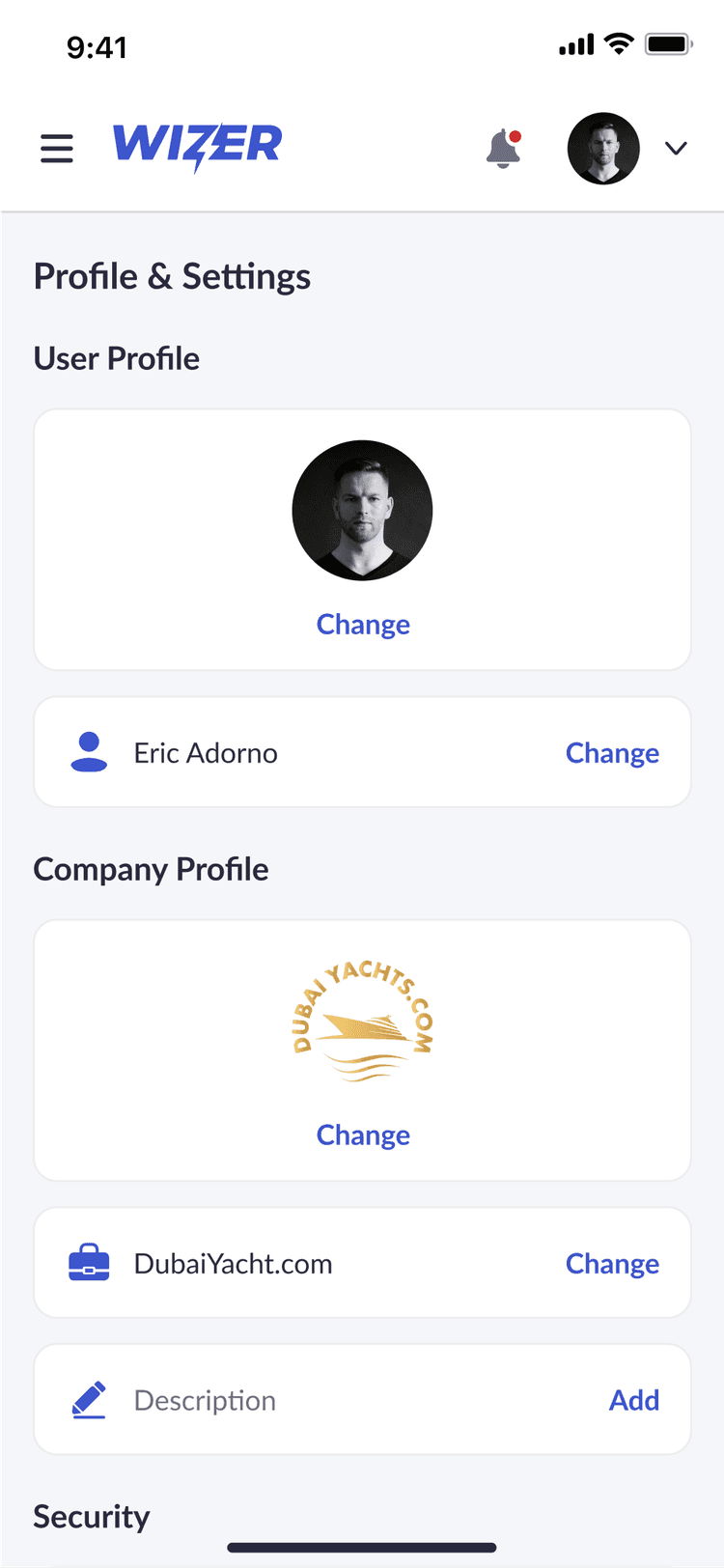
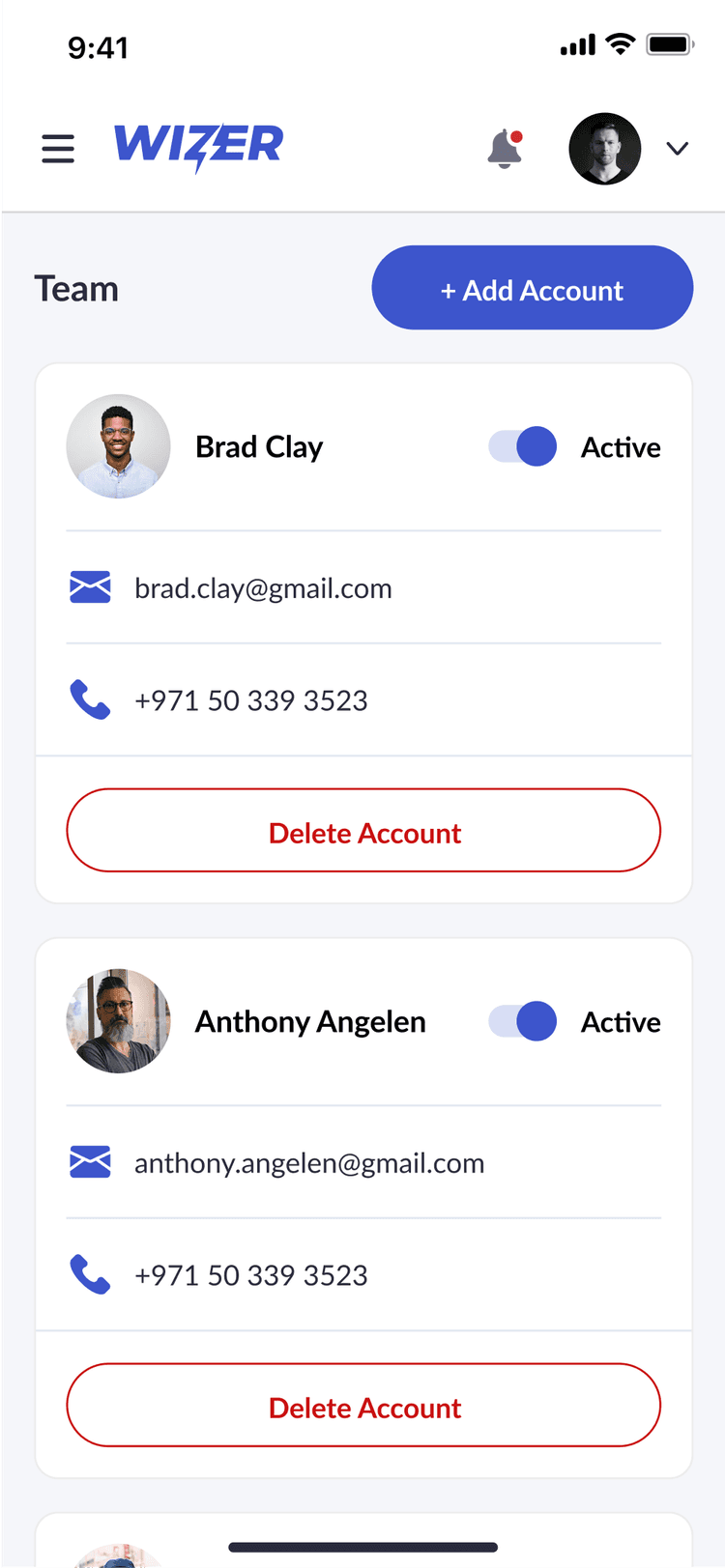
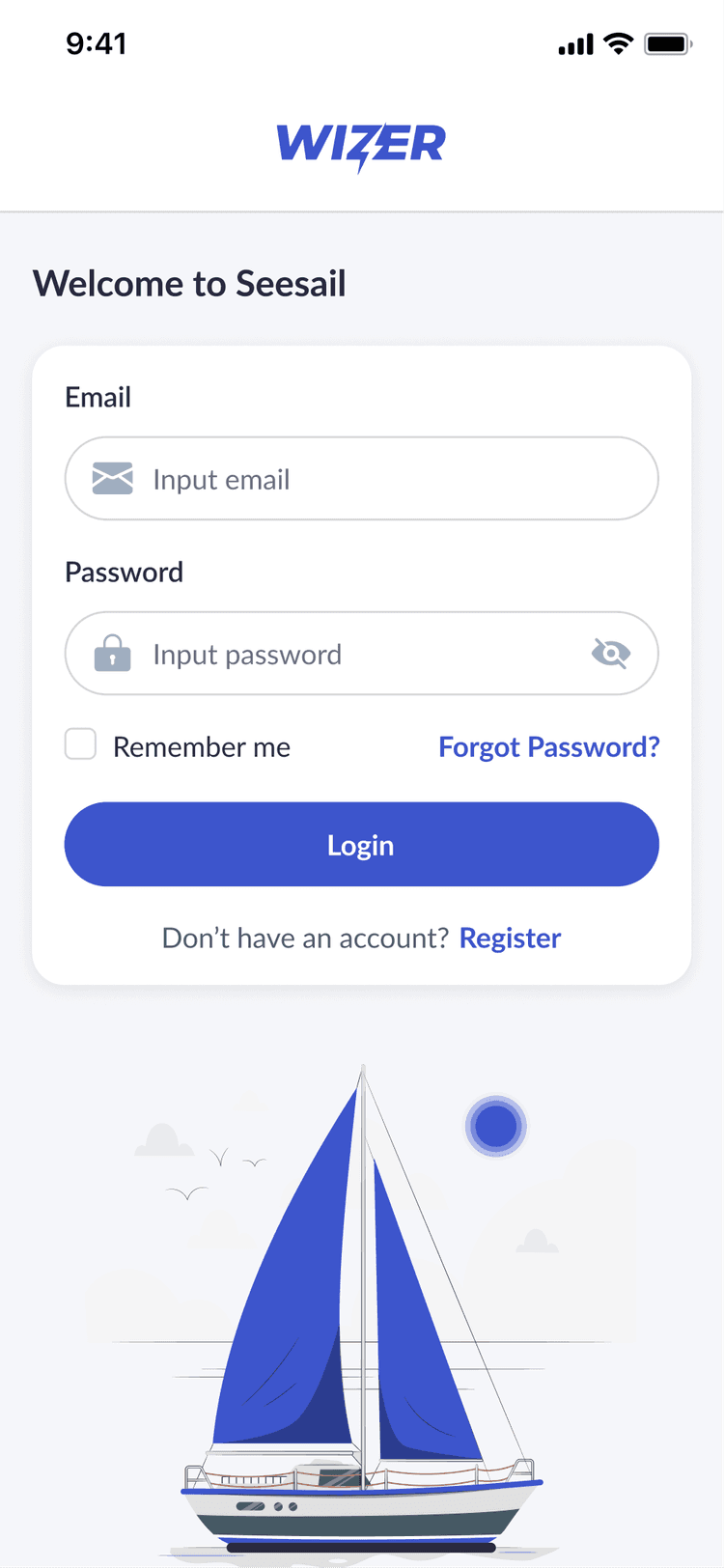
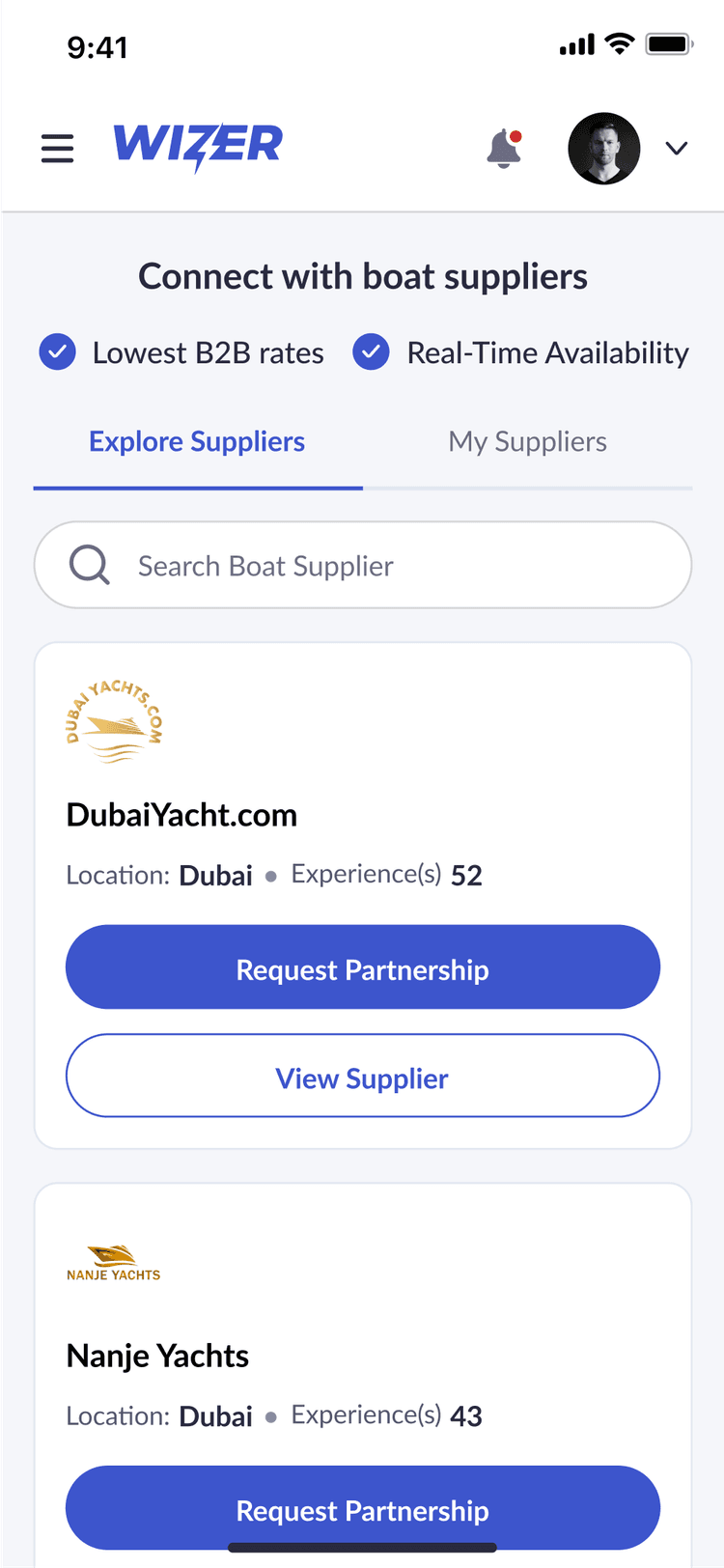
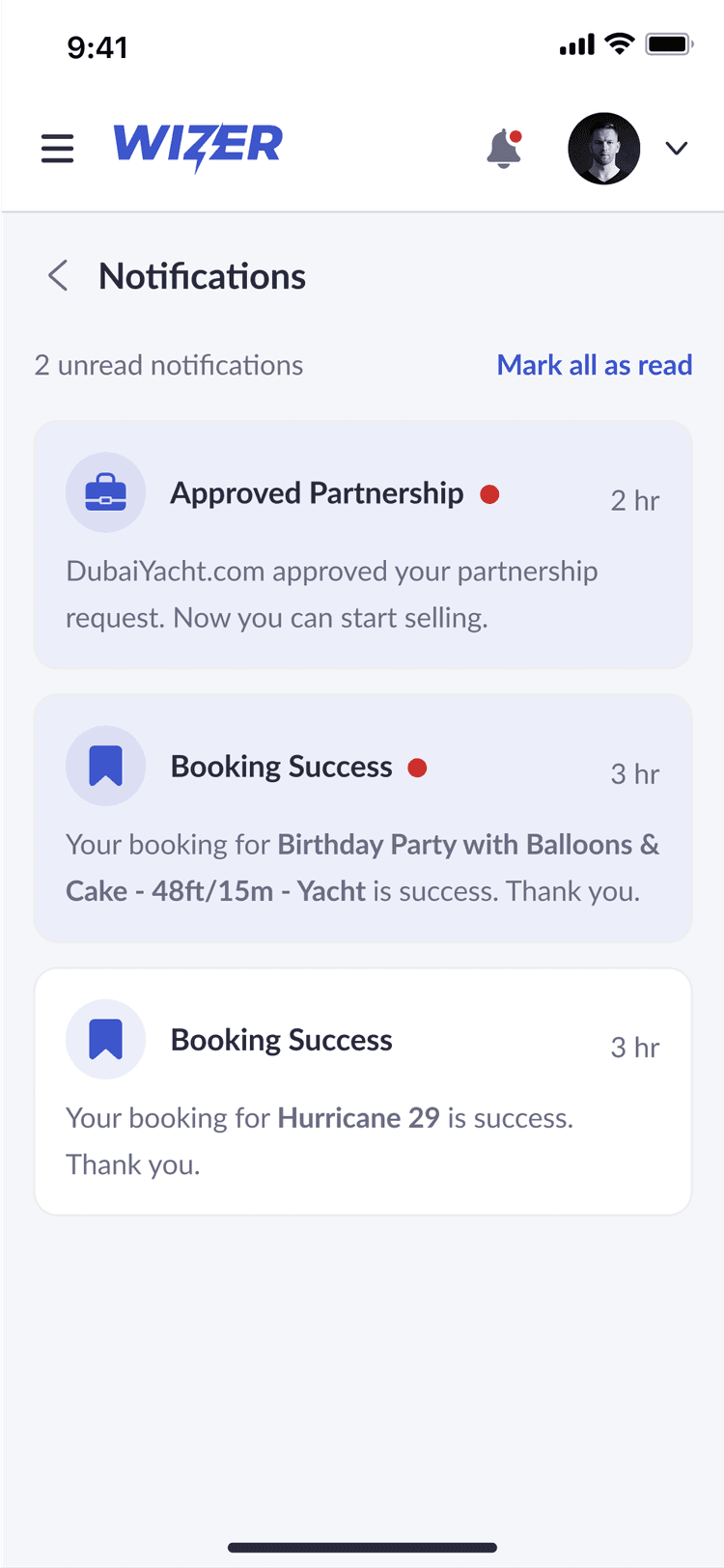
Wizer’s mobile experience is built to support users on the go, with layouts and interactions optimized for smaller screens. Resellers can check availability, manage bookings, and access schedules with the same clarity and ease as the desktop version. The interface maintains consistency across devices, making it simple to stay updated and take action anytime, anywhere.

Wizer UI 1
Wizer UI 2
Wizer UI 3
Wizer UI 4
Wizer UI 5
Wizer UI 6
Wizer UI 7
Wizer UI 8
Wizer UI 9
Wizer UI 10
Wizer UI 11
Wizer UI 12
Wizer UI 13
Wizer UI 14
Wizer UI 15
Wizer UI 16
Wizer UI 17
Wizer UI 18
Wizer UI 19
Wizer UI 20
Wizer UI 21
Wizer UI 1
Wizer UI 2
Wizer UI 3
Wizer UI 4
Wizer UI 5
Wizer UI 6
Wizer UI 7
Wizer UI 8
Wizer UI 9
Wizer UI 10
Wizer UI 11
Wizer UI 12
Wizer UI 13
Wizer UI 14
Wizer UI 15
Wizer UI 16
Wizer UI 17
Wizer UI 18
Wizer UI 19
Wizer UI 20
Wizer UI 21

Typography

I chose Lato for its clean, balanced appearance and strong legibility across various screen sizes. Its modern yet approachable character supports the platform’s professional tone while remaining easy to read in both dense data views and quick-glance summaries. Lato provides consistency throughout the interface, reinforcing clarity and structure across every interaction.

Lato

Regular

Semi Bold

Bold

Aa

Bb

Cc

Dd

Ee

Ff

Gg

Hh

Ii

Jj

Kk

Ll

Mm

Nn

Oo

Pp

Qq

Rr

Ss

Tt

Uu

Vv

Ww

Xx

Yy

Zz

01

02

03

04

05

06

07

08

09

Wizer

Colors

Wizer’s color palette uses blue, light grey, and white to create a calm, clear, and professional interface. Blue brings trust and focus to primary actions, while light grey supports structure without overwhelming the layout. White space keeps the experience clean and breathable, helping users process information quickly and stay oriented while managing bookings and schedules.

Blue

#3D55CC

Light Grey

#F5F6FA

White

#FFFFFF

Design System

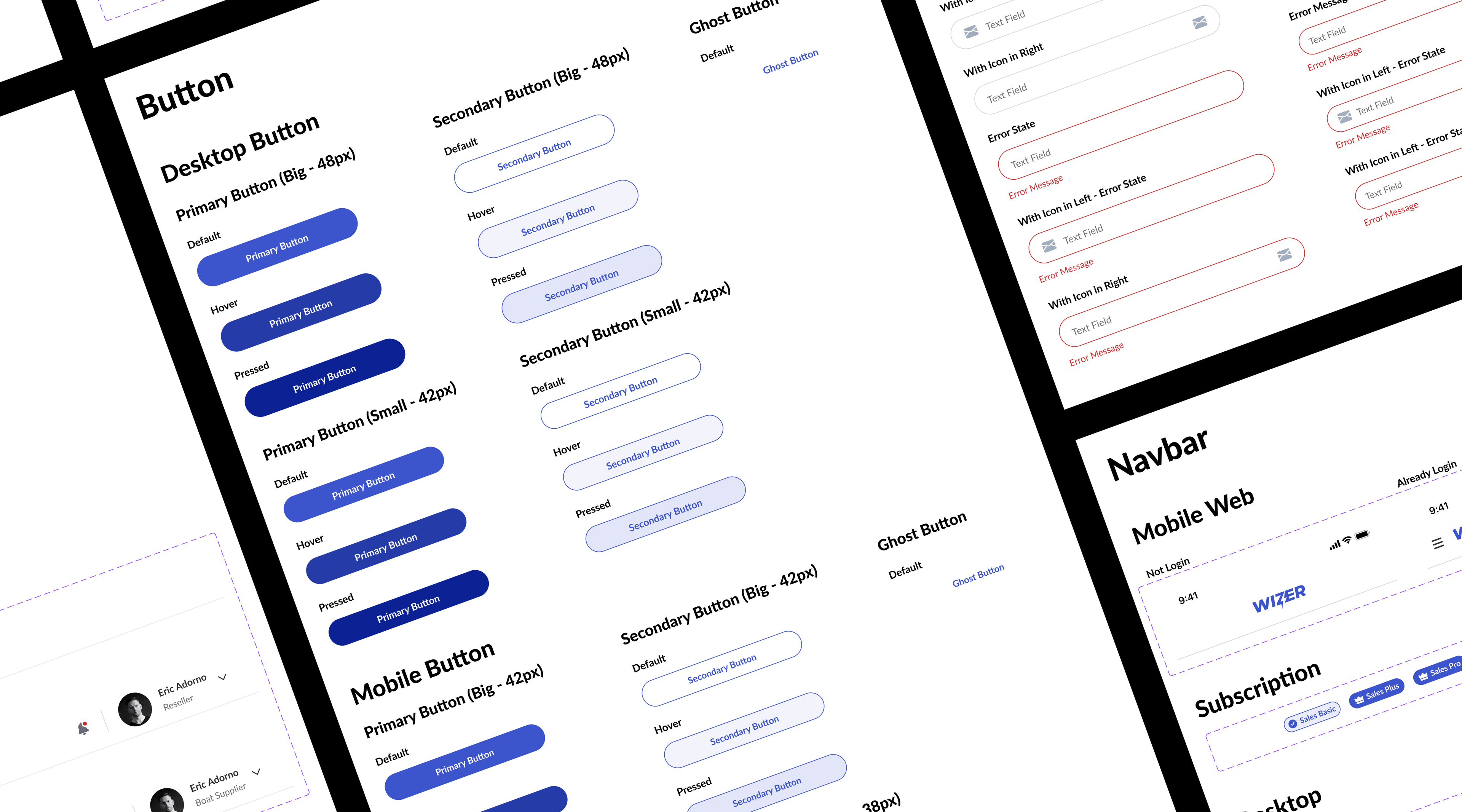
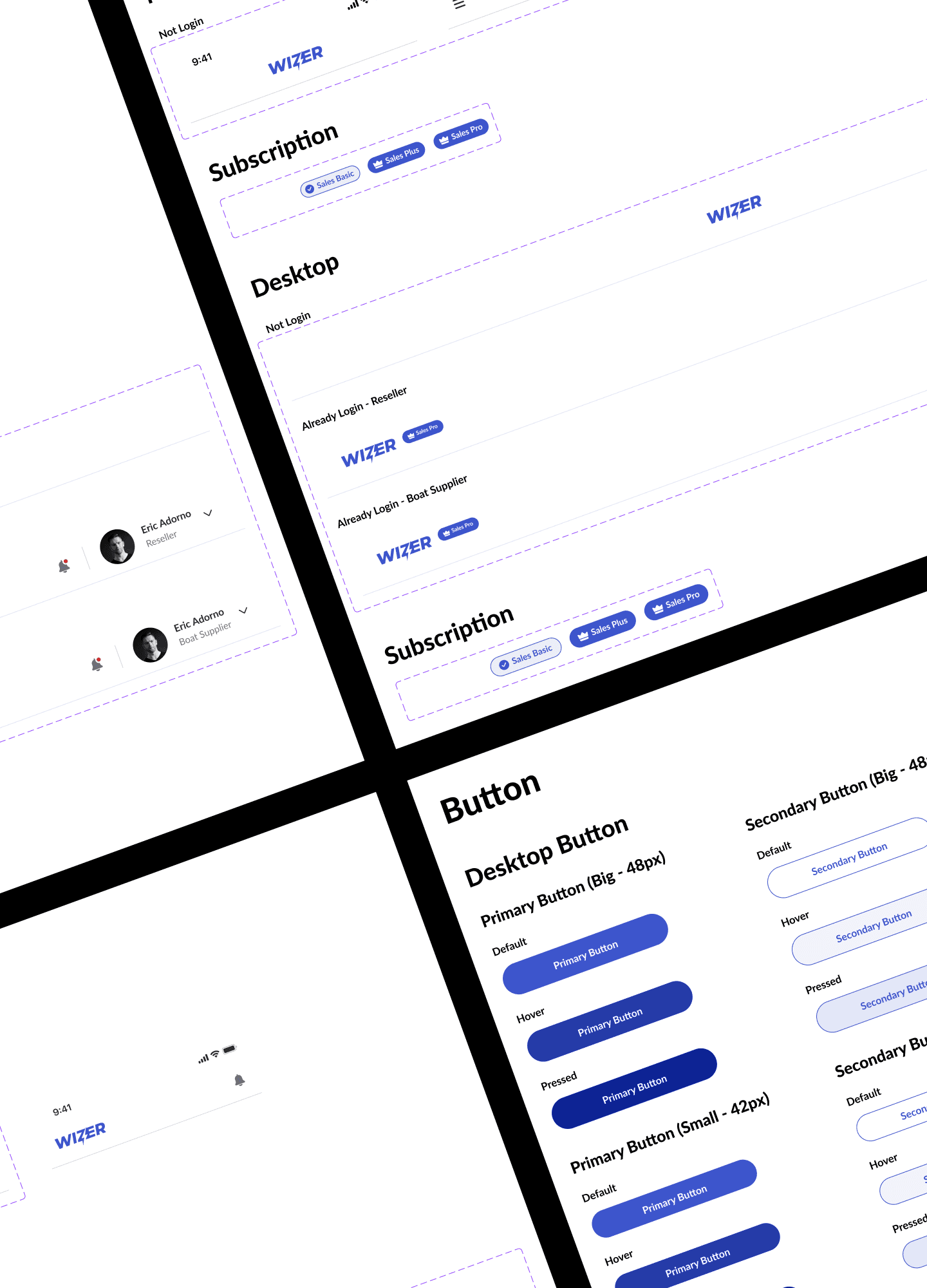
The design system was built to ensure consistency, scalability, and ease of development across the entire platform. It includes a comprehensive set of reusable components, from buttons and form elements to calendars and data cards. Spacing, typography, and color rules were carefully defined to maintain visual harmony and improve usability. This foundation supports faster iteration, seamless collaboration, and a more cohesive user experience across desktop and mobile.

Wireframe Wizer

My latest work